

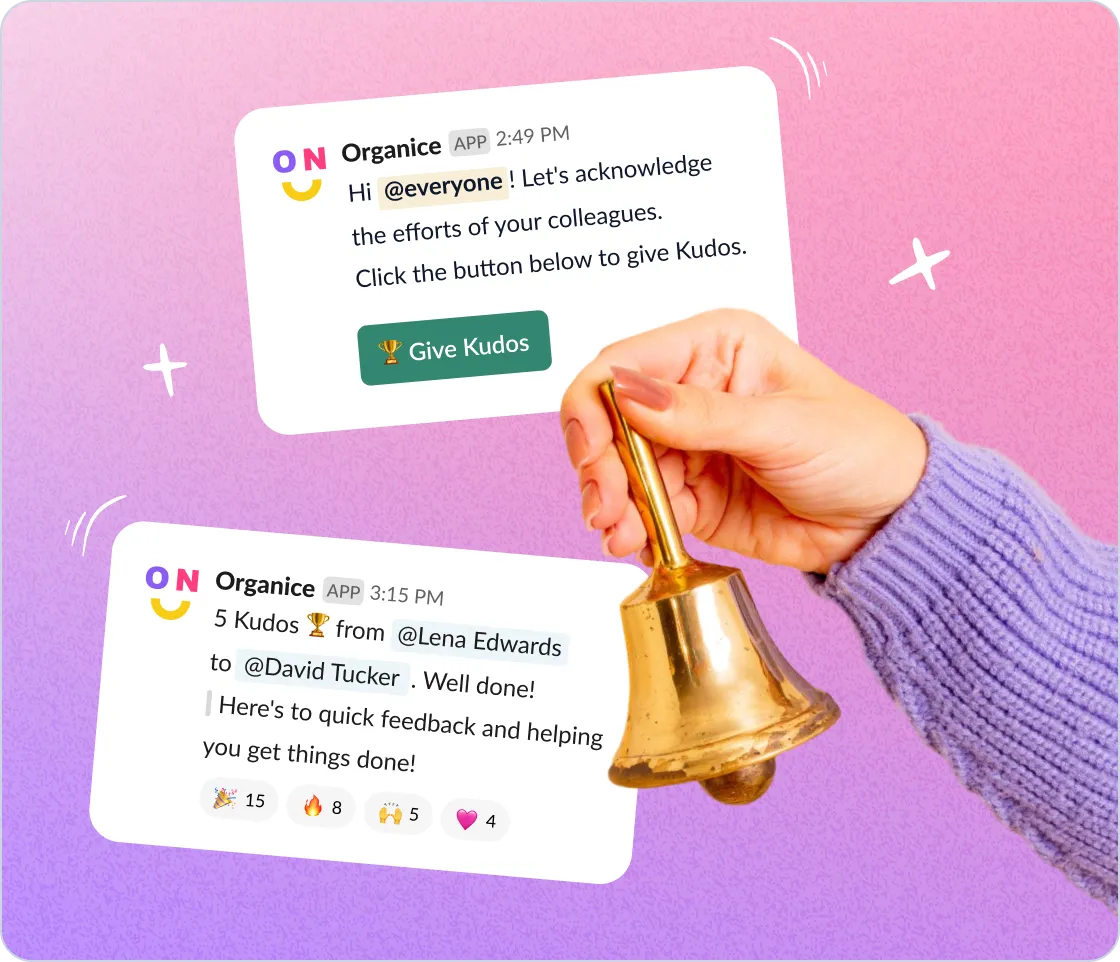
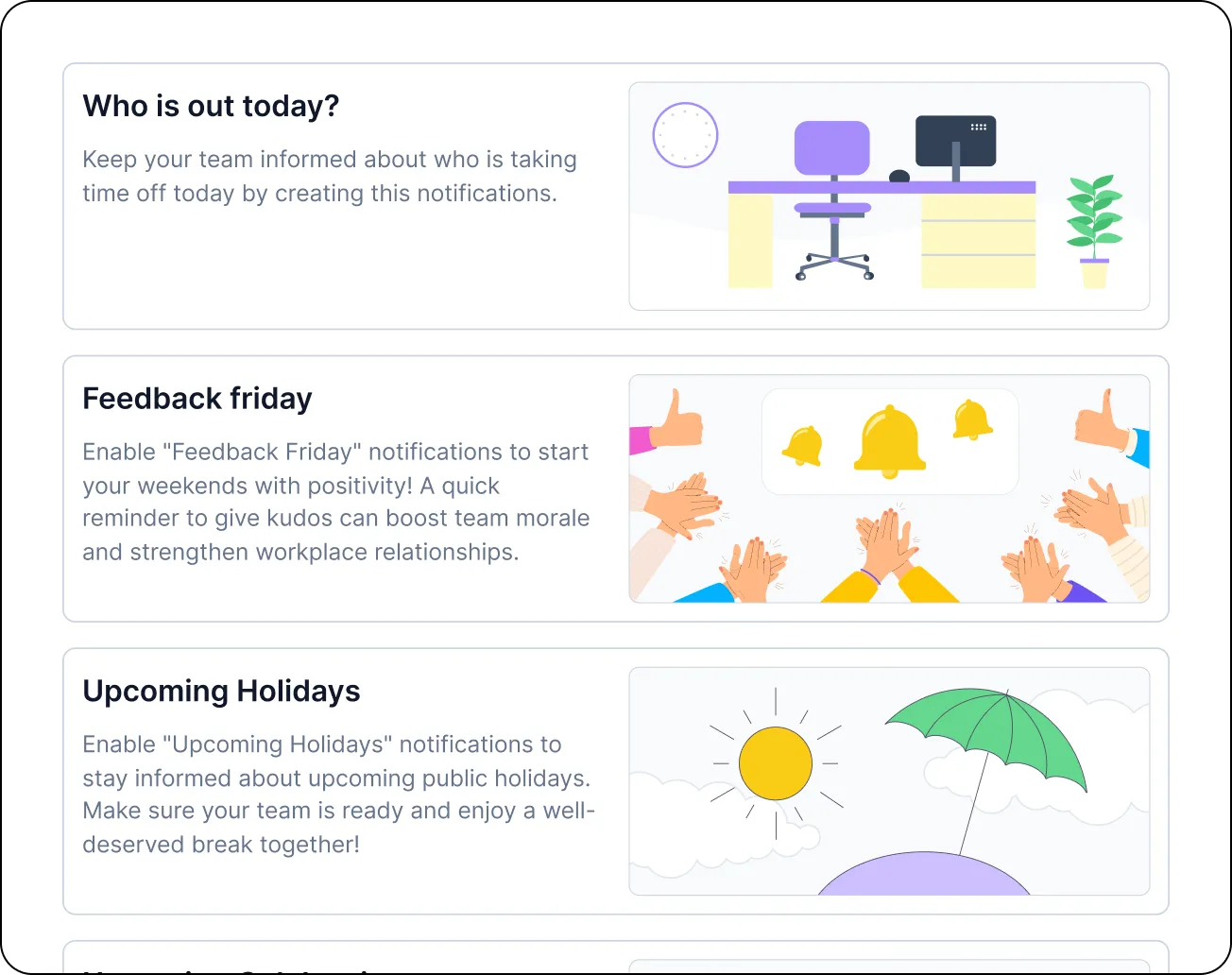
Craft Slack updates your way with custom blocks
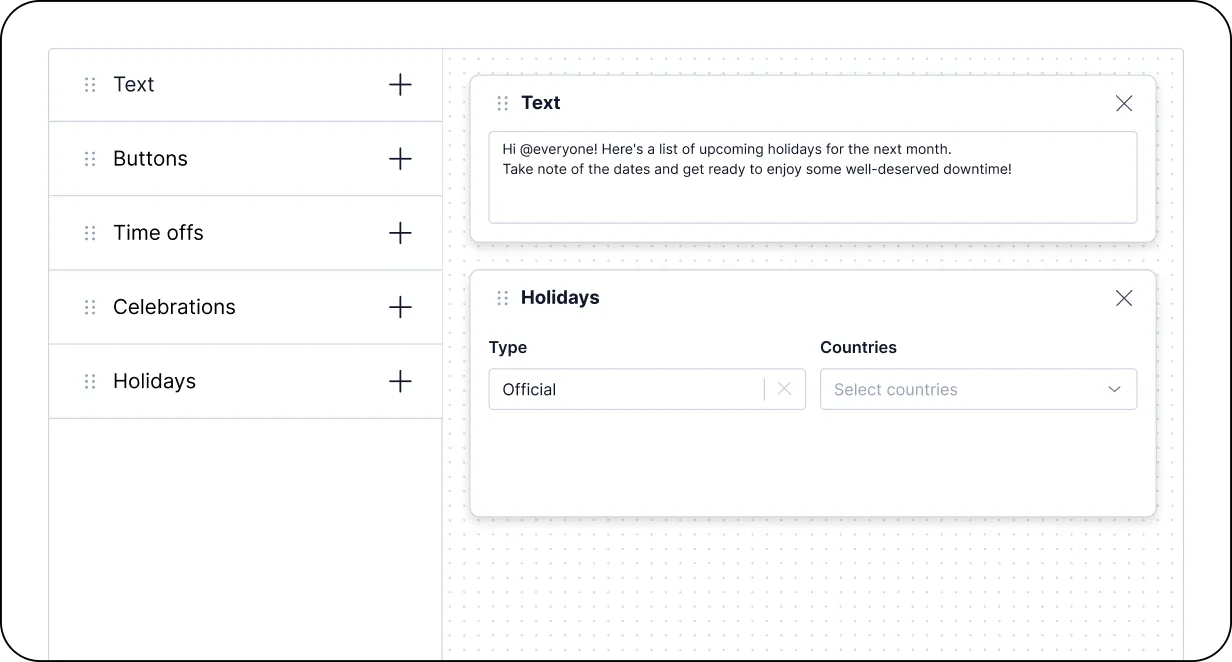
Fine-tune your notifications for maximum impact
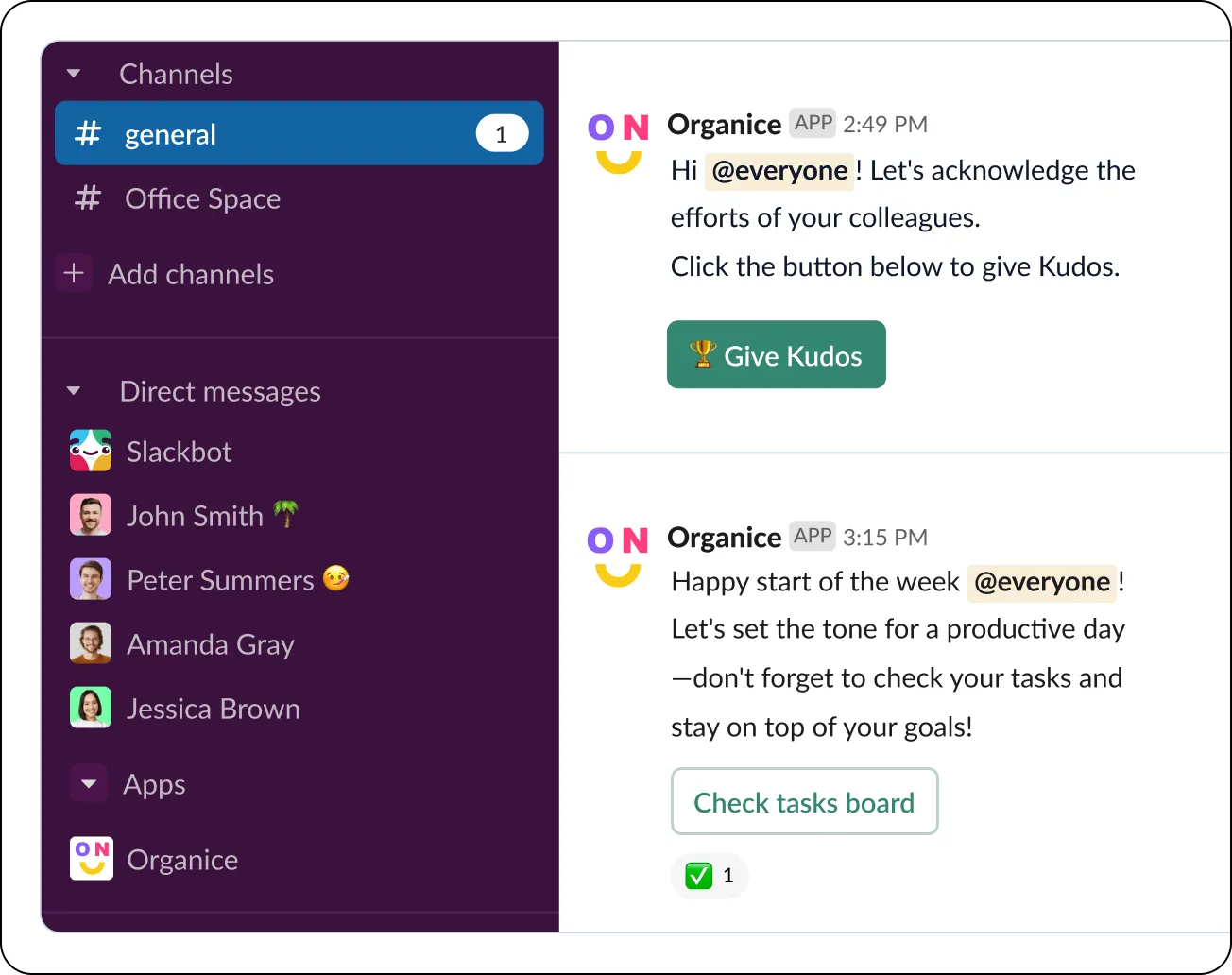
Power up your HR team - add OrgaNice to Slack
Add OrgaNice to your workspace.
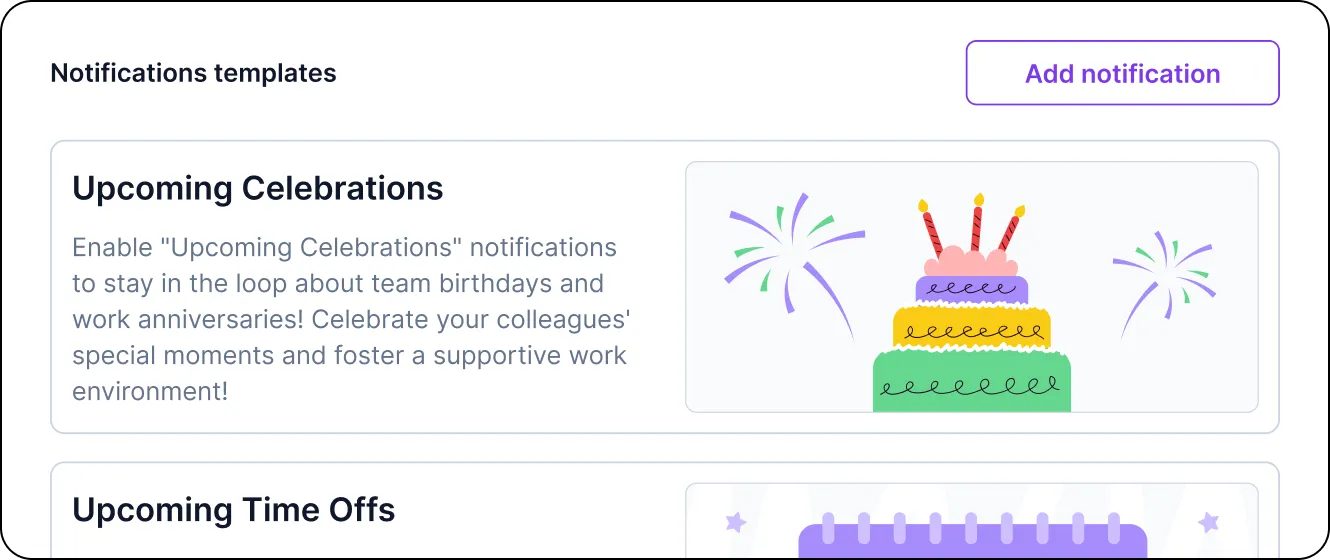
Choose the “Add notification” option, pick a template, and configure blocks based on the type of Slack notification you need (e.g., time off, celebrations, or national holidays).
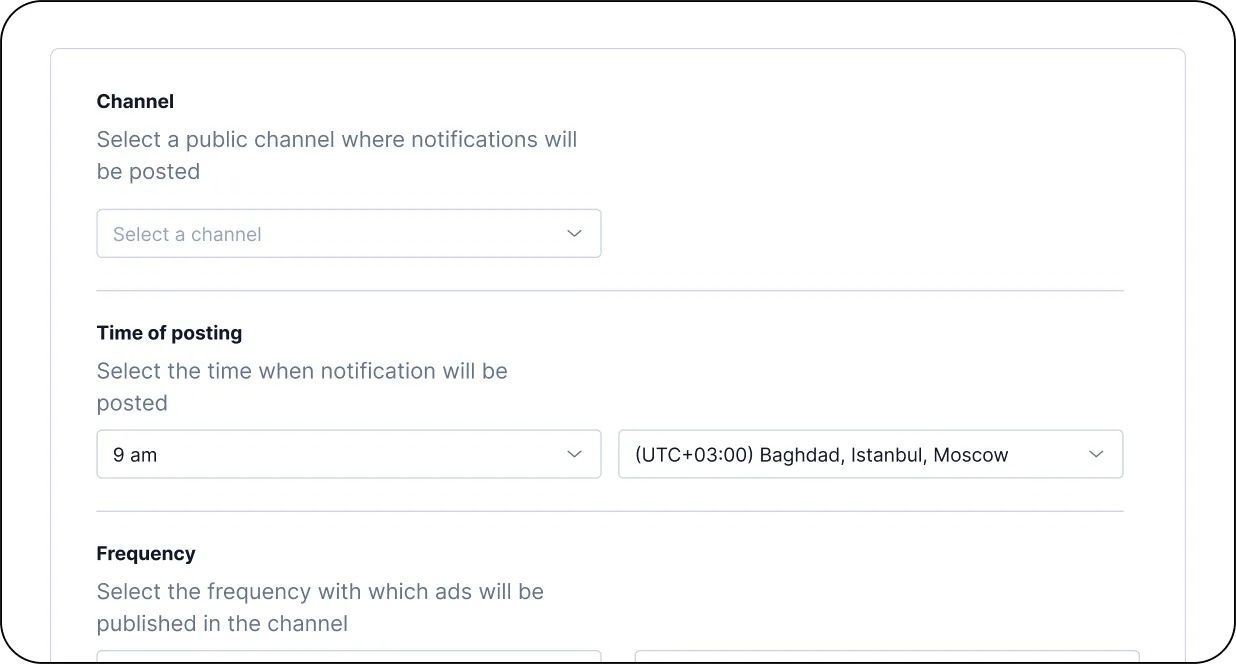
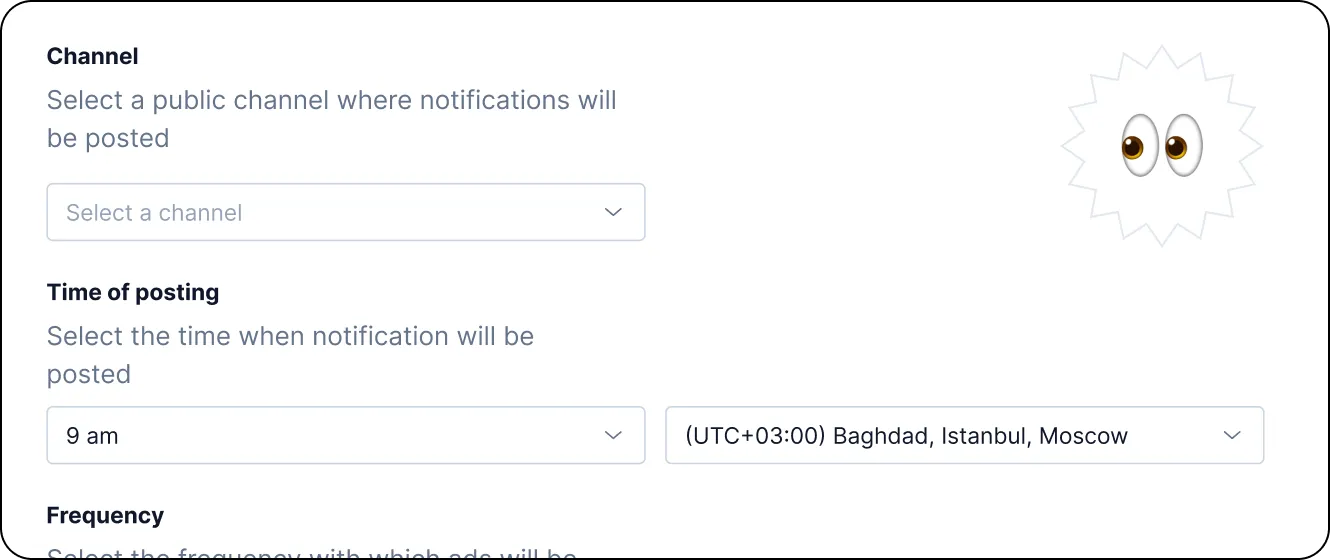
Select the channel for Slack notifications and set parameters like time zone, posting time, and frequency. That's it—you're ready to go!
Discover more killer features of OrgaNice
Org chart
Build a dynamic org chart based on your Slack data in minutes and keep it up-to-date on autopilot.
Learn moreBirthday & anniversary celebrations
Promote a positive culture within your Slack workspace by letting OrgaNice automate and deliver personalized congratulations to your teammates.
Learn moreTime-off tracker
Tired of boring spreadsheets? Say hello to OrgaNice, a streamlined PTO, time off, vacation, "work from home," and absence tracker for Slack.
Learn moreEmployee recognition - "Kudos" feature
Recognize and keep your people motivated by giving them kudos! Build the culture of appreciation in your Slack workspace.
Learn moreFeedback collection & measurement - surveys
Keep a pulse on how your employees feel and measure their engagement with surveys and polls - all in Slack.
Learn morePower up team appreciation with rewards
Boost your team's motivation by rewarding them with both recognition and tangible perks.
Learn more