

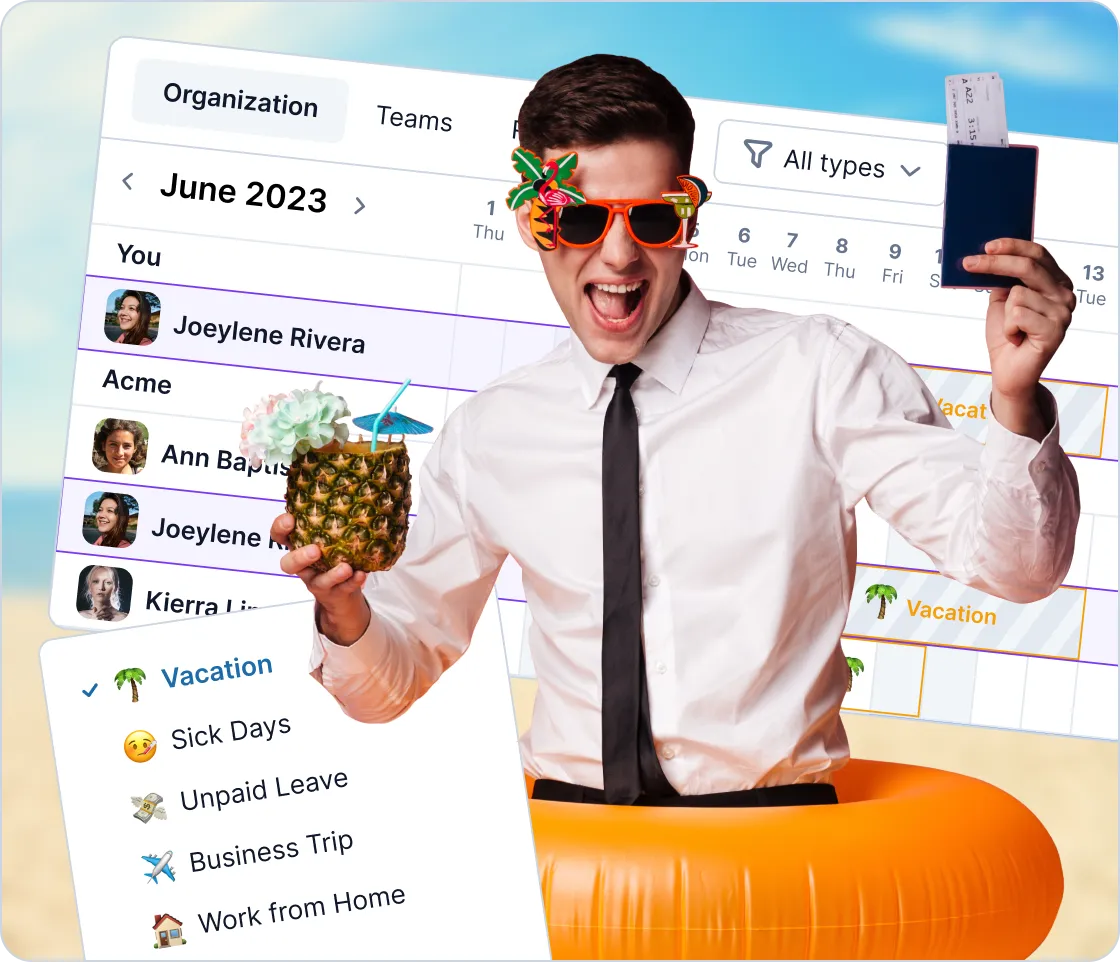
Request and approve time offs lightning fast
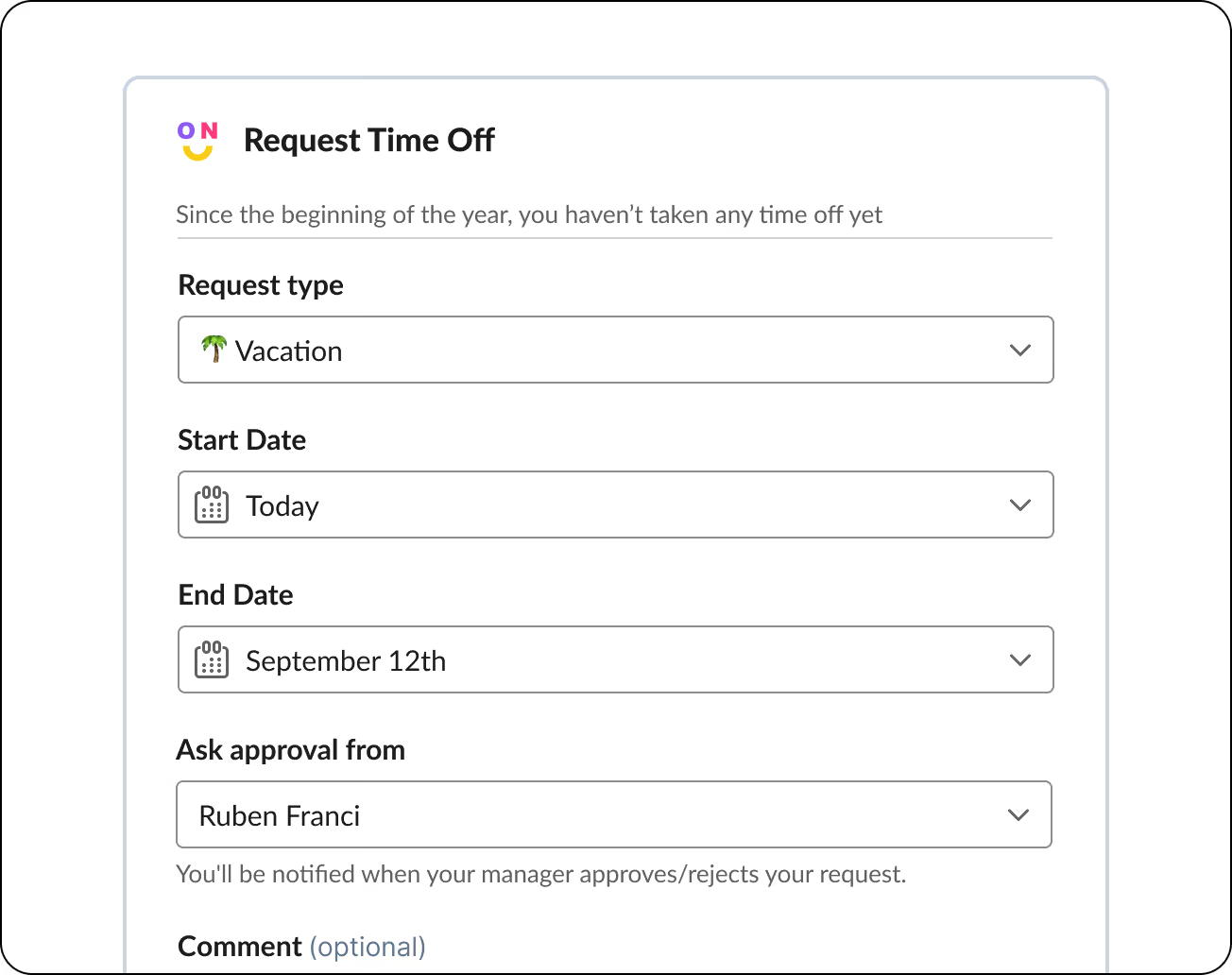
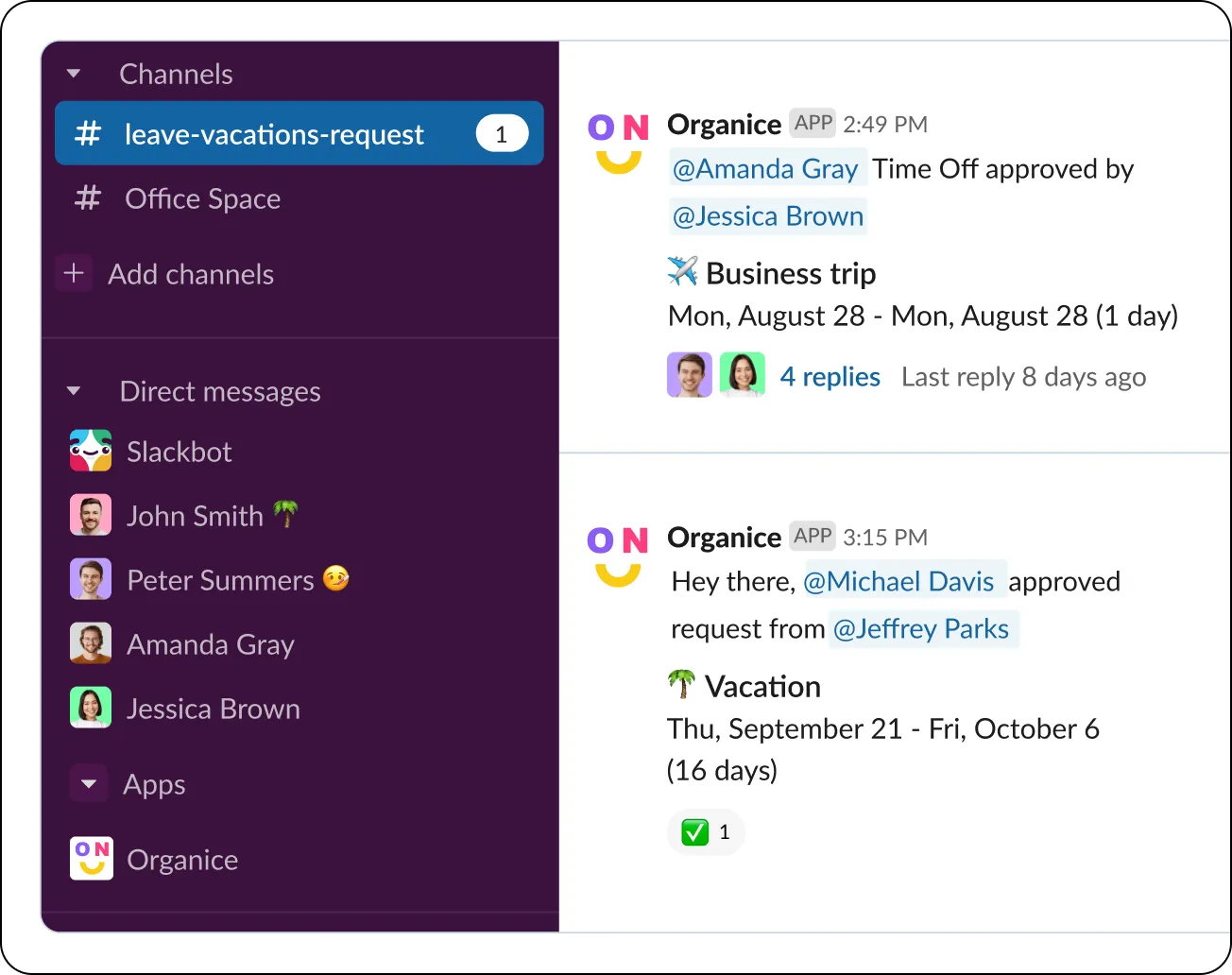
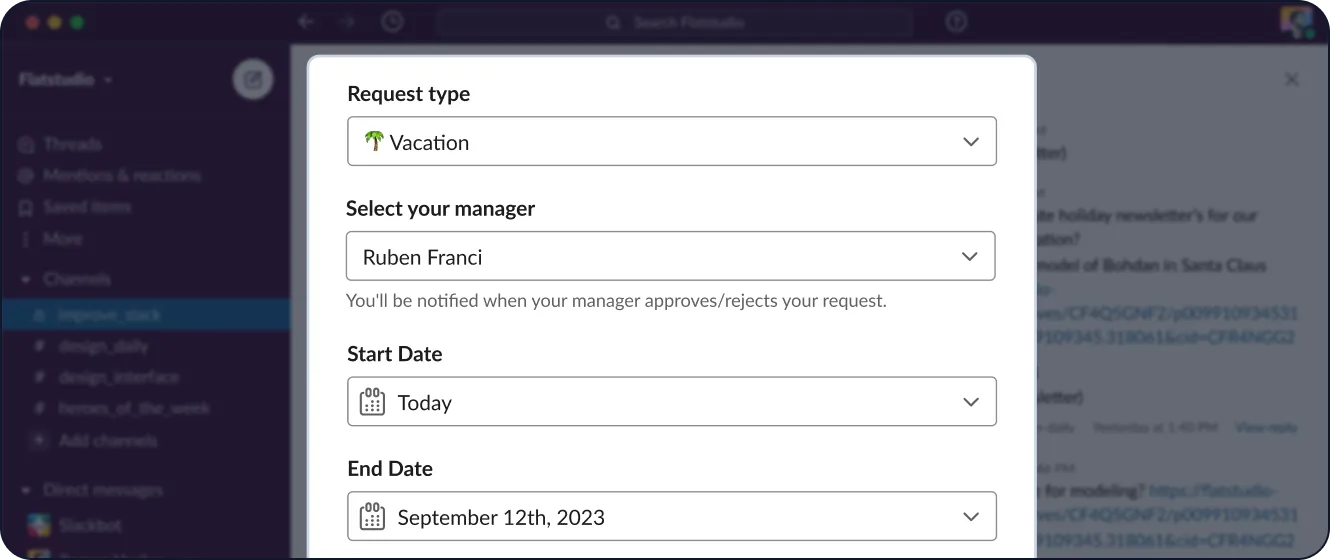
Requesting time-offs has never been easier - just a few clicks, no context switching from Slack. For managers, it's a breeze - they only need to click the "Approve" or "Reject" button.
If your company has a complex time-off approval scheme involving several managers at different levels, OrgaNice has got you covered! OrgaNice lets you create a separate Slack channel specifically for these cases and set up a custom approval flow that suits all your needs.
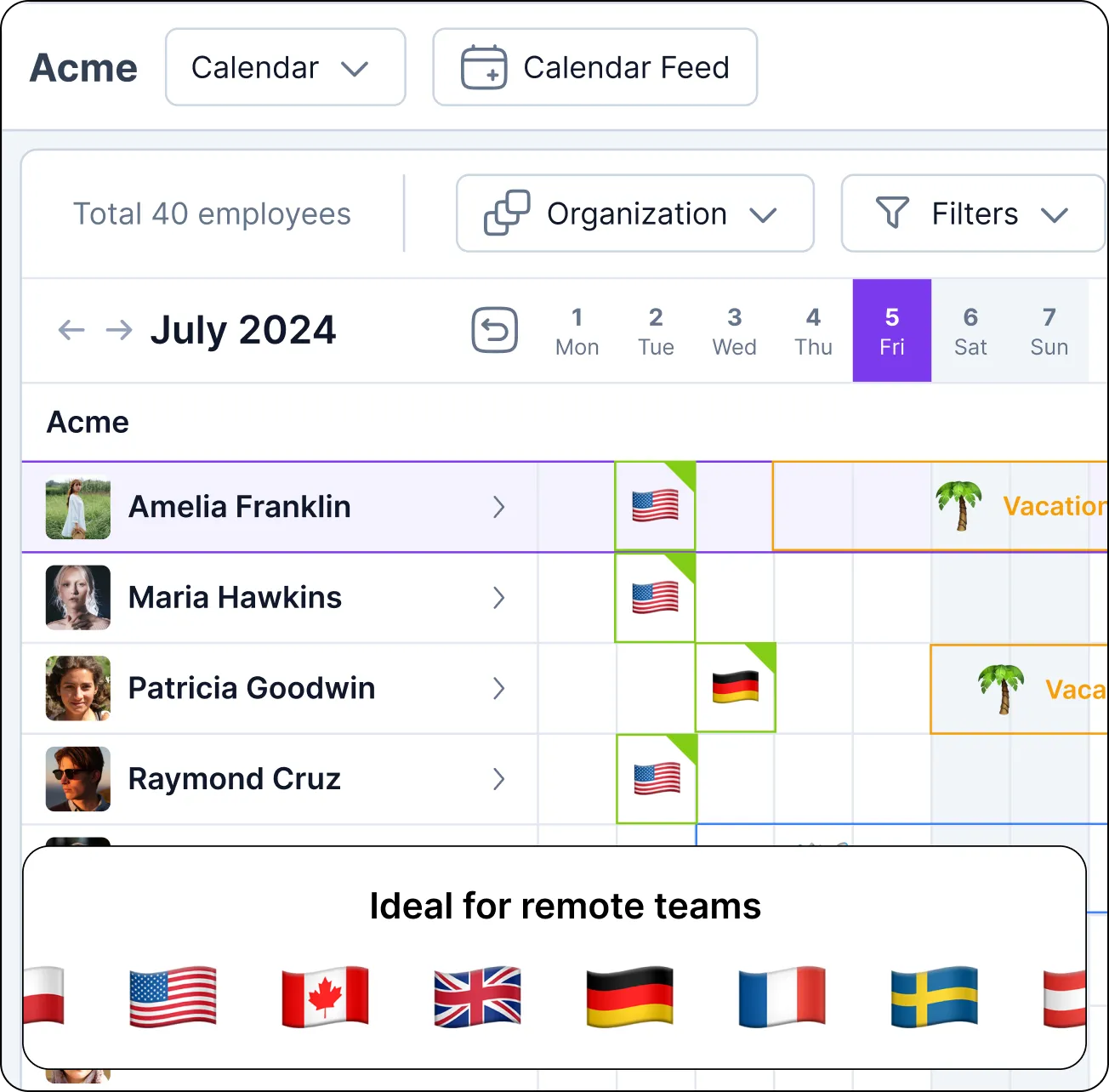
Stay on top of your team’s absence calendar
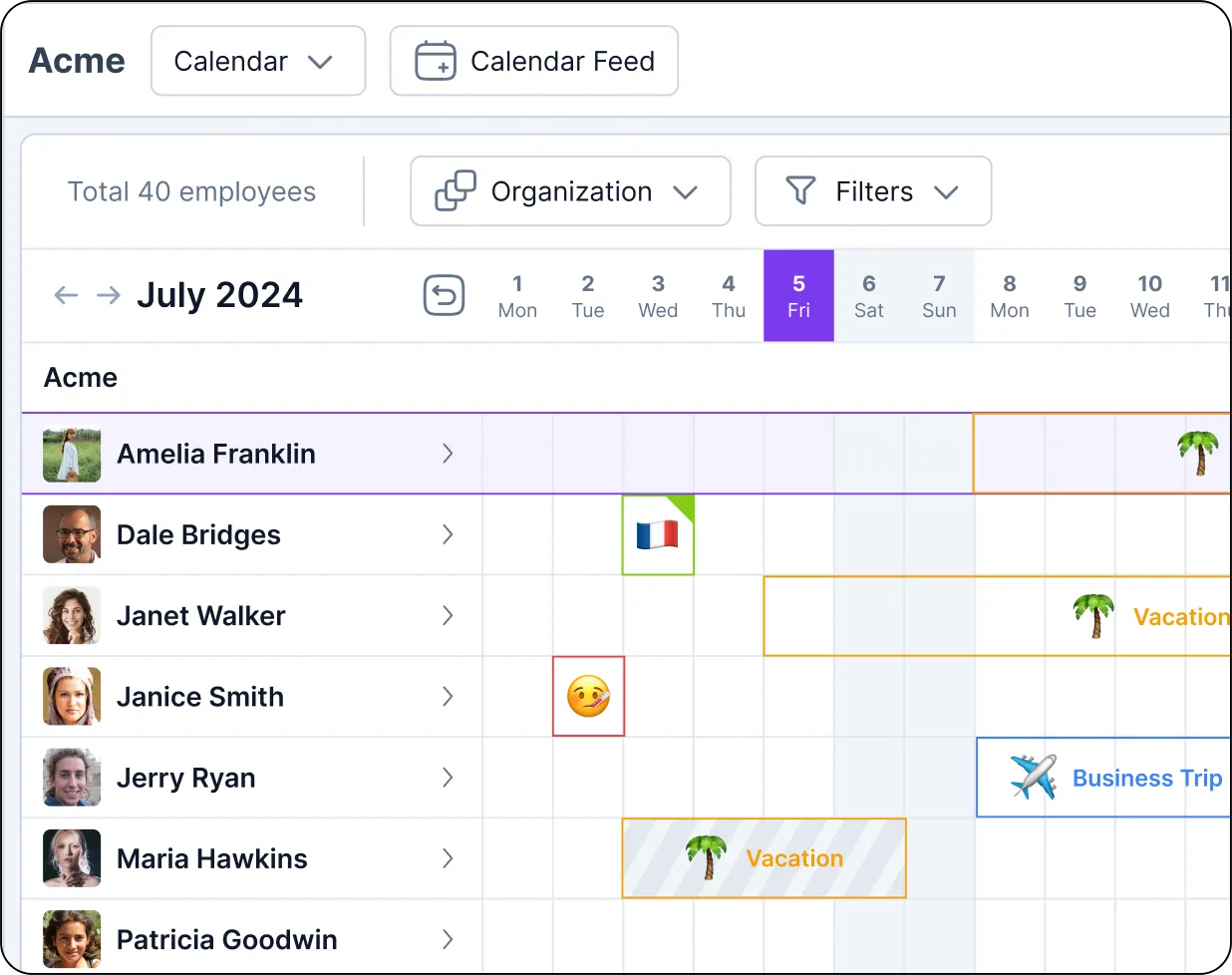
With our new interactive time off calendar, your on-Slack team collaboration will reach a new level. Now, your managers will have all the up-to-date absence information right at their fingertips.
Thanks to the calendar, your team members can easily see who's absent and when to use this information for better planning, ensuring coverage during busy times, and preventing scheduling conflicts.
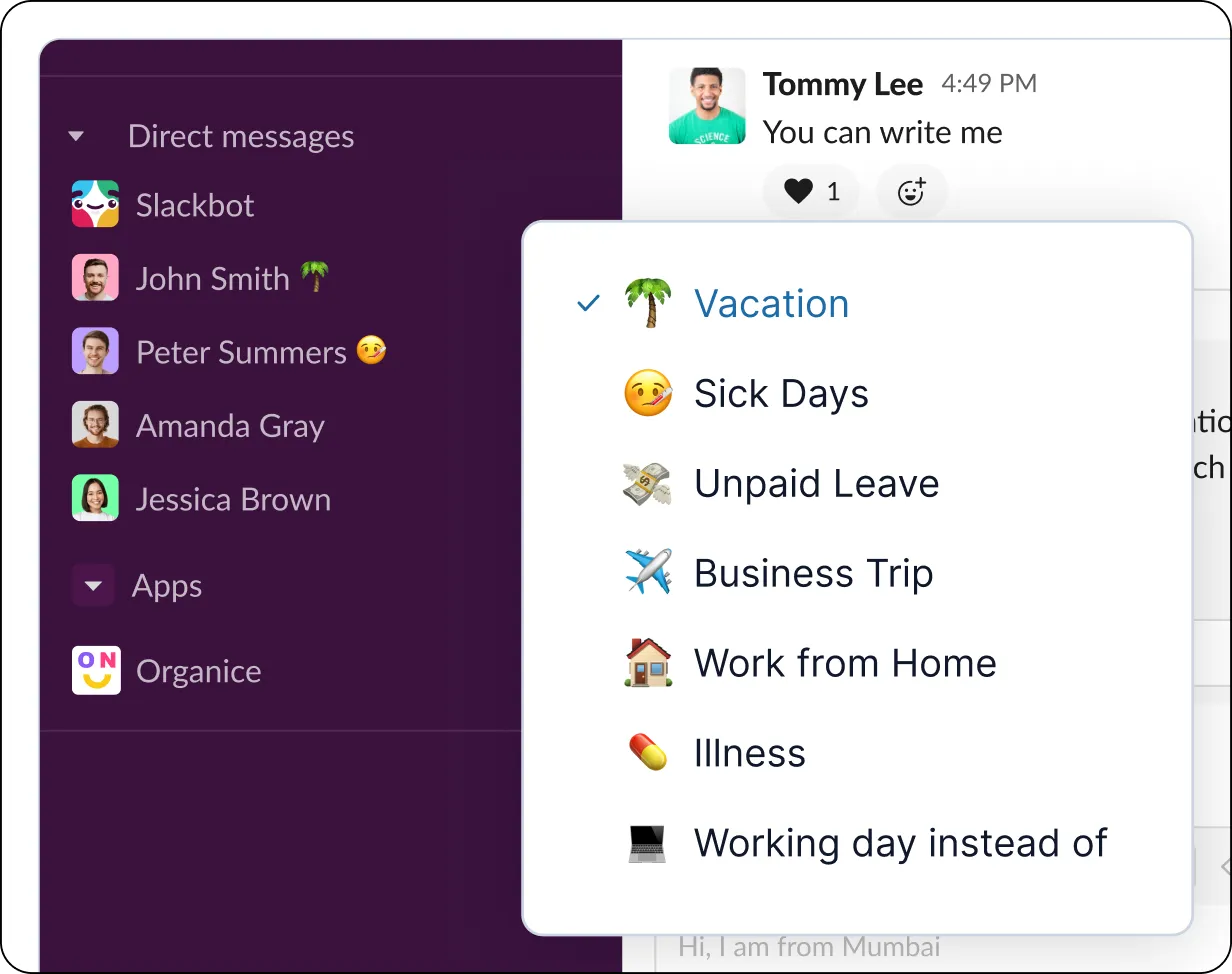
Customize and automate Slack status updates
Customize your "Away" statuses for different types of leave, like vacations, sick days, or paid time off. Once the date of absence arrives, your team member's status will automatically switch to an emoji and type off that clearly shows the kind of leave they are taking.
Automated Slack status updates keep everyone in the loop, making planning and task allocation easier. And when people are back, their status will automatically switch to "Available."
Stay in sync with time-offs and holidays by country
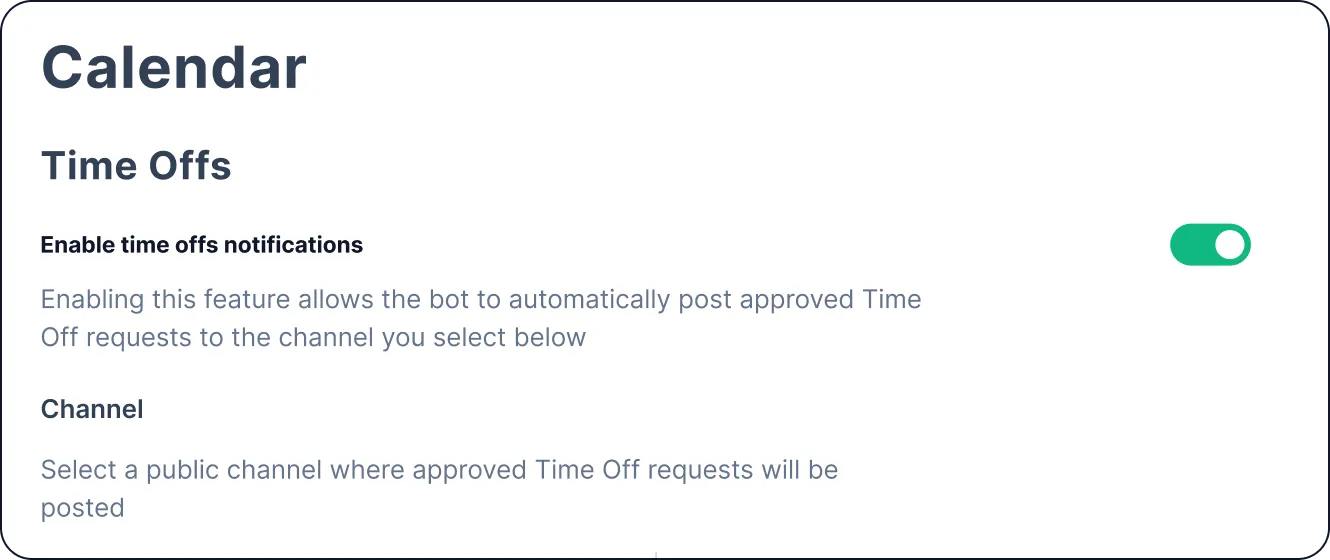
If you're managing remote global teams, keeping track of time offs and national holidays can be a true headache. However, with OrgaNice, this task becomes effortless. Our platform supports national and custom holidays worldwide, allowing you to create a handy schedule that syncs up time offs and national holidays for the countries where your employees are at.
Plus, every week, the app sends notifications on the public Slack channel, giving you a heads-up on upcoming holidays and sharing some cool AI-generated facts about them. It's a great way to stay aware of your teams' availability and get a taste of different cultures at the same time.
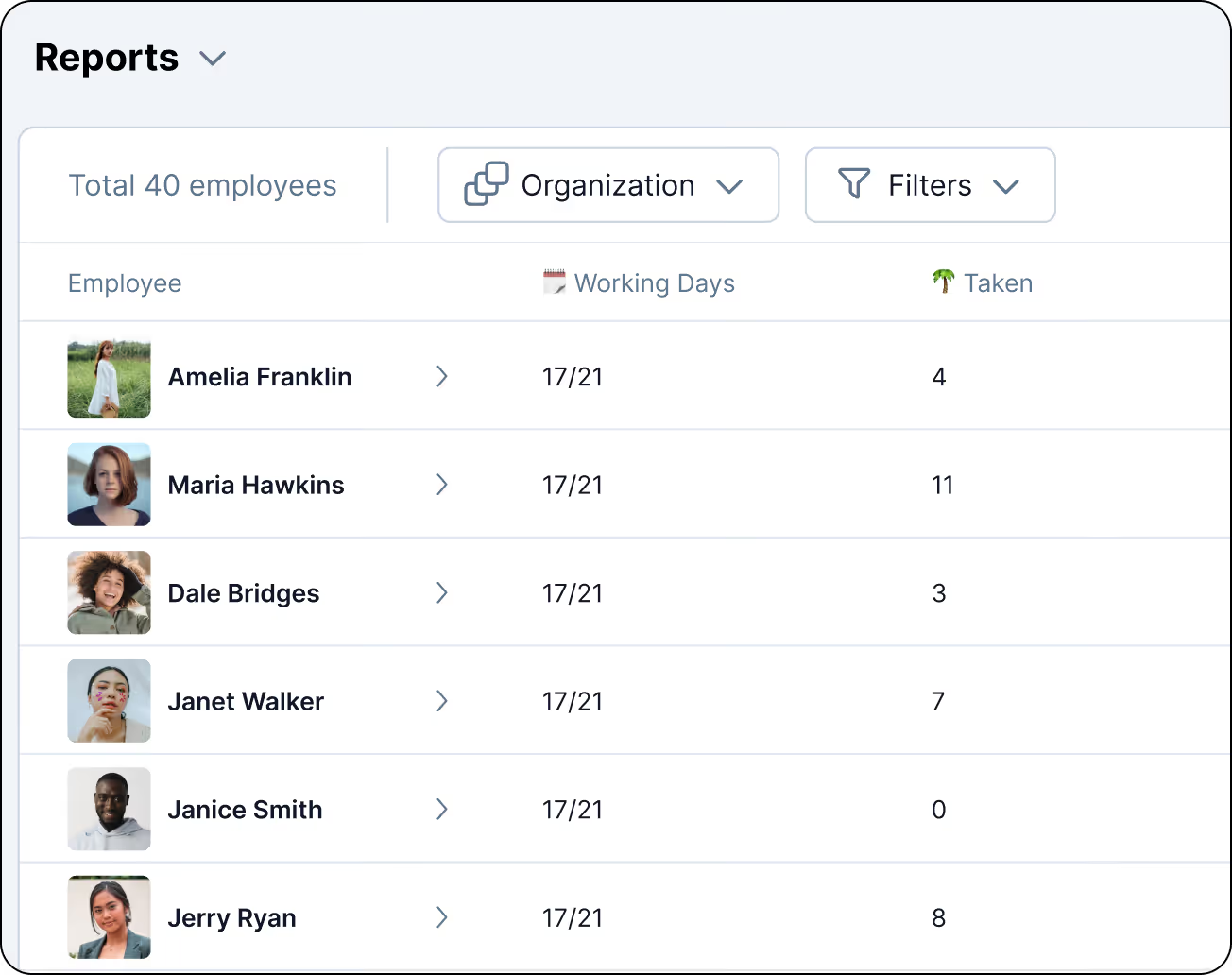
Turn data into insightful reports
With OrgaNice, you can quickly configure and generate reports using your teams’ time-off and vacation statistics. Just a few clicks and you're good to go!
Easily filter, select, and compare the data you need. Share it with other departments to keep everyone in the loop about employee absences dynamics.
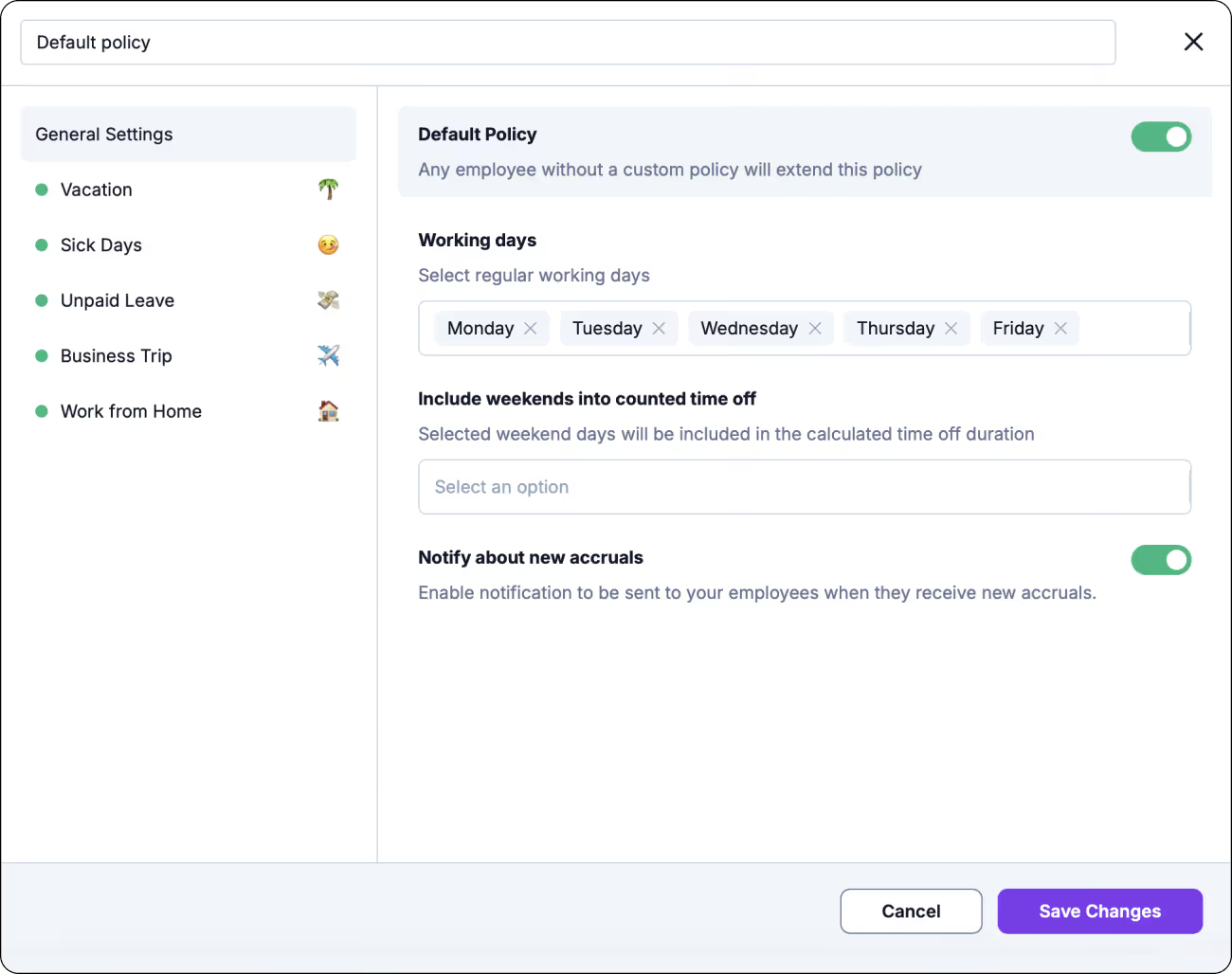
Create and automate your custom PTO policies
Take full control of your team’s time off by setting up automated PTO policies with rules that match your internal requirements. Whether you need to add new accrual rules or define specific carry-over limits, OrgaNice handles the logic for you. Simply create your policy, assign it to your team members, and let the system manage calculations, rollovers, and balance tracking without a spreadsheet.
To estimate one person’s balance under a policy, try the free PTO calculator.
Discover more killer features of OrgaNice
Org chart
Build a dynamic org chart based on your Slack data in minutes and keep it up-to-date on autopilot.
Learn moreBirthday & anniversary celebrations
Promote a positive culture within your Slack workspace by letting OrgaNice automate and deliver personalized congratulations to your teammates.
Learn moreEmployee recognition - "Kudos" feature
Recognize and keep your people motivated by giving them kudos! Build the culture of appreciation in your Slack workspace.
Learn moreFeedback collection & measurement - surveys
Keep a pulse on how your employees feel and measure their engagement with surveys and polls - all in Slack.
Learn morePower up team appreciation with rewards
Boost your team's motivation by rewarding them with both recognition and tangible perks.
Learn moreSmart Slack notifications
Keep your team aligned and informed without the noise of endless email chains.
Learn more