How to request a reward
For everyoneUpdated Nov 1, 2026
Spend your coins on a reward from the OrgaNice Home tab in Slack.
Spend the coins you've earned on the rewards your company offers.
Steps
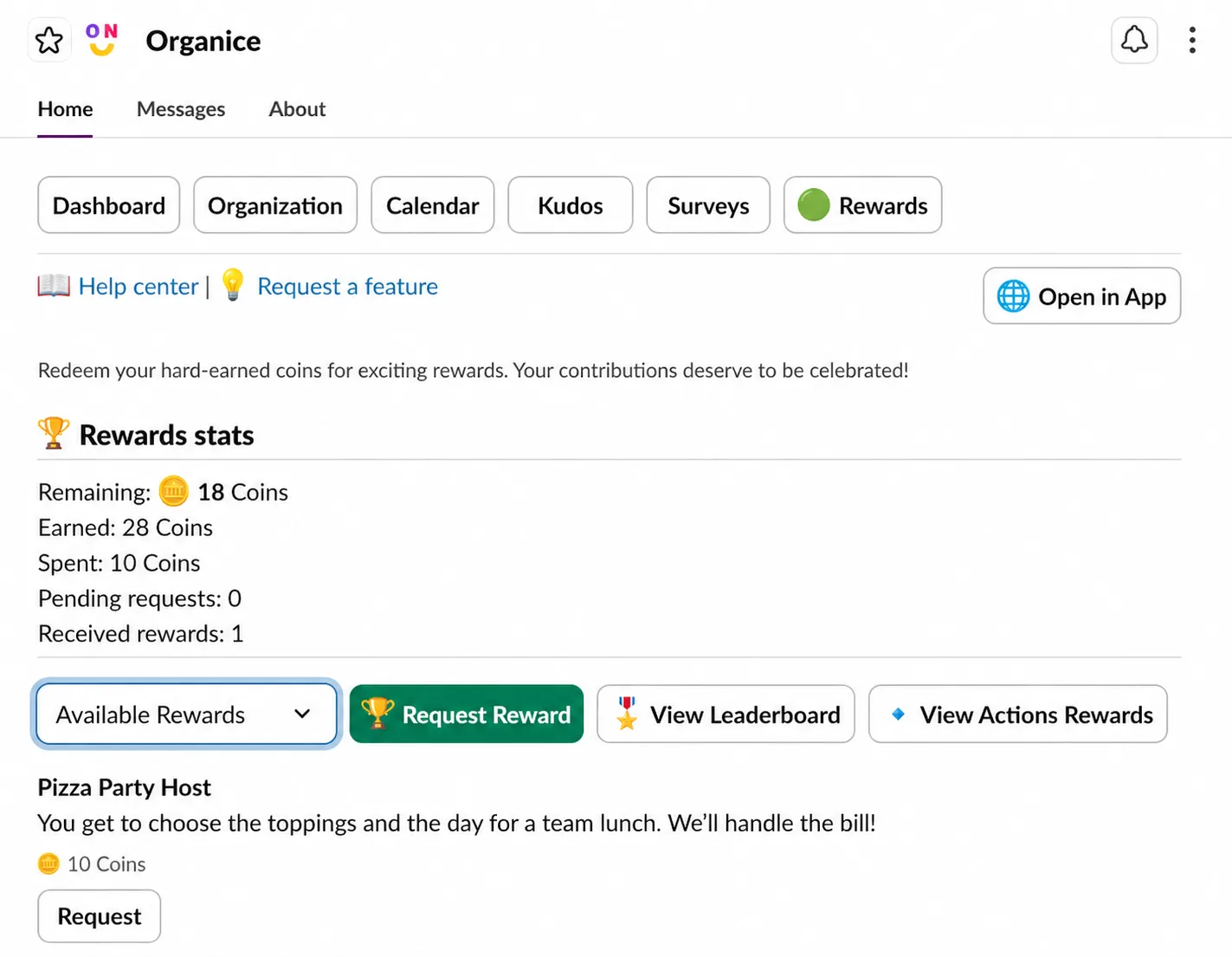
In Slack, open OrgaNice › Home tab › Rewards. You see your coins and the available rewards. Click Request Reward, or Request under a reward.
Choose the Reward, add Comments if you like, and click Request.
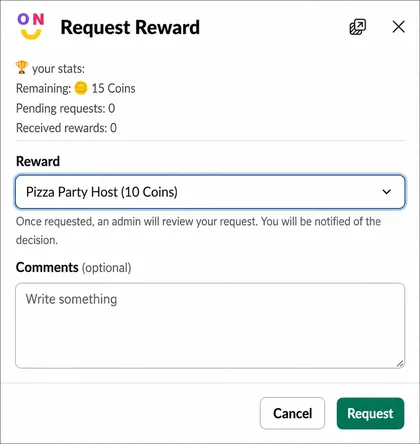
You can only request a reward you have enough coins for.
Result
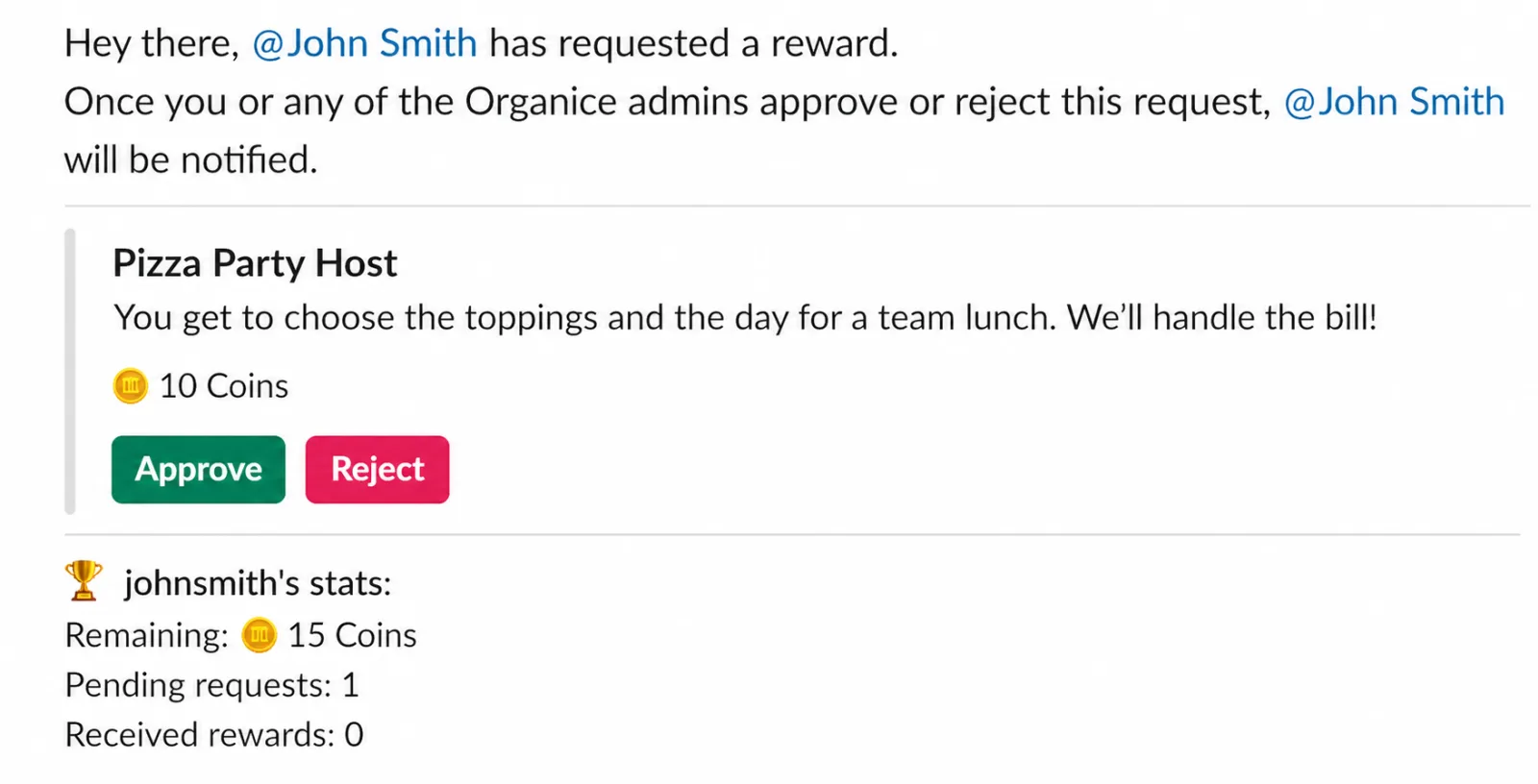
OrgaNice admins get your request and approve or reject it.
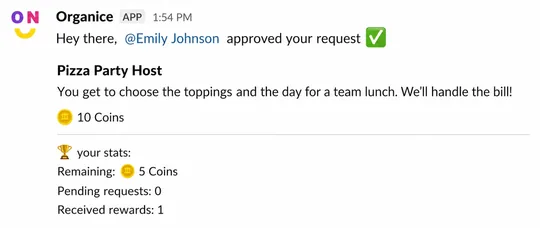
OrgaNice then sends you a message with their decision. When a request is approved, its price is deducted from your coins.