

How to take a survey
For everyoneUpdated Nov 1, 2026
Find an active survey in Slack and send your answers.
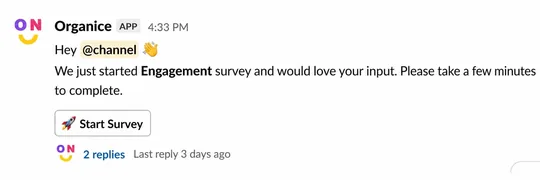
Surveys come to you in Slack, in a channel or in a direct message from OrgaNice. Click Start Survey in that message. If you can't find it, open it from the OrgaNice Home tab.
Steps
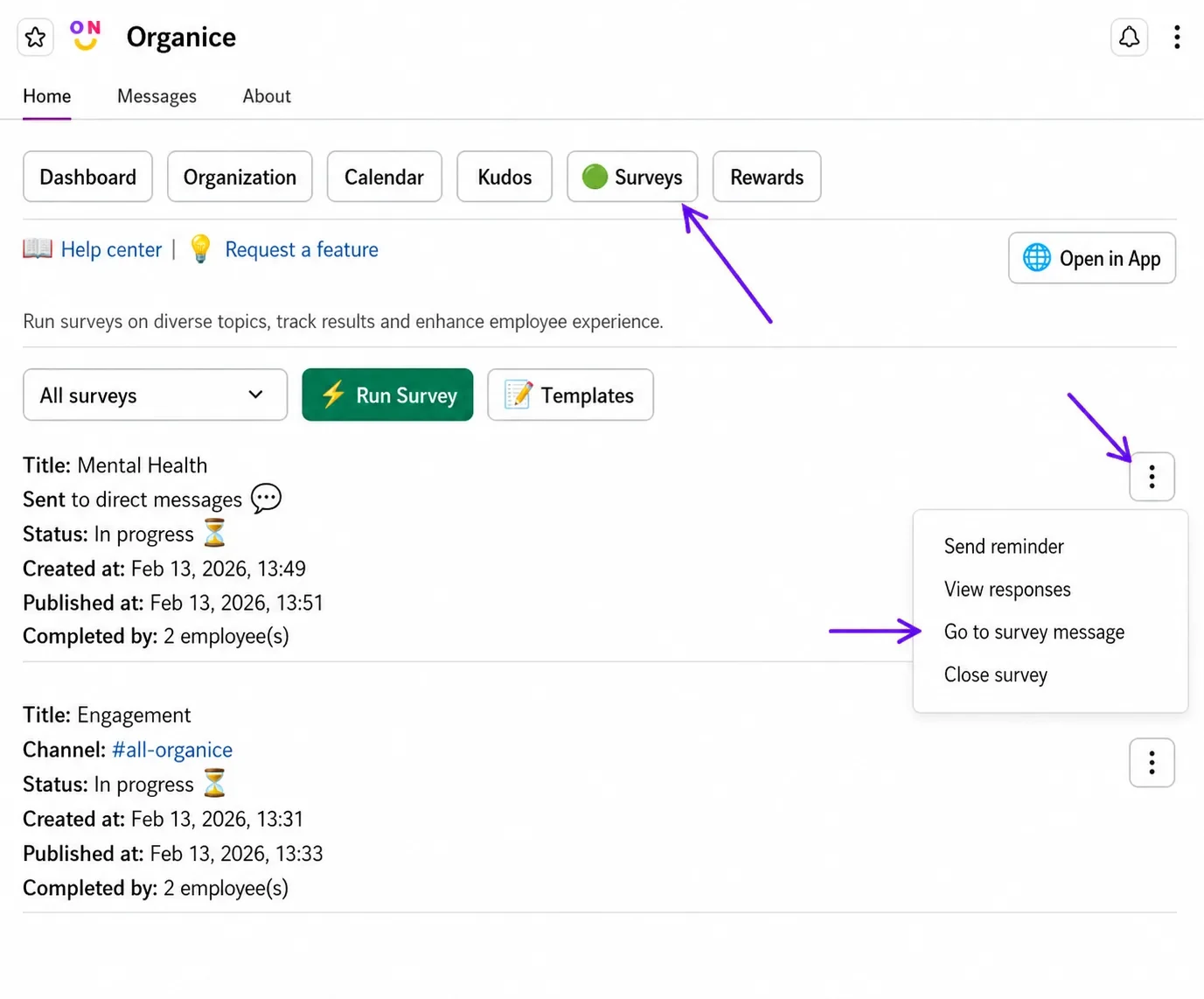
In Slack, open OrgaNice › Home tab › Surveys.
Click the three dots next to the survey and select Go to survey message.
In the survey message, click Start Survey.
Answer the questions and click Complete. Questions marked as required must be answered.
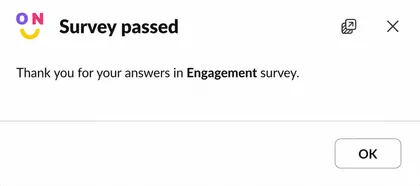
Result
Your answers are sent, and the survey's results update right away. In an anonymous survey, nobody sees which answers are yours.
You can also answer surveys in the OrgaNice web app: open Surveys in the menu on the left to see the surveys waiting for you.