How to manage the hiring process with referrals
For adminsUpdated Oct 30, 2026
Post open positions in Slack and let your team refer candidates to the hiring manager.
With referrals turned on, OrgaNice posts your open positions in Slack and your team can recommend candidates in a click.
Choose where positions are posted
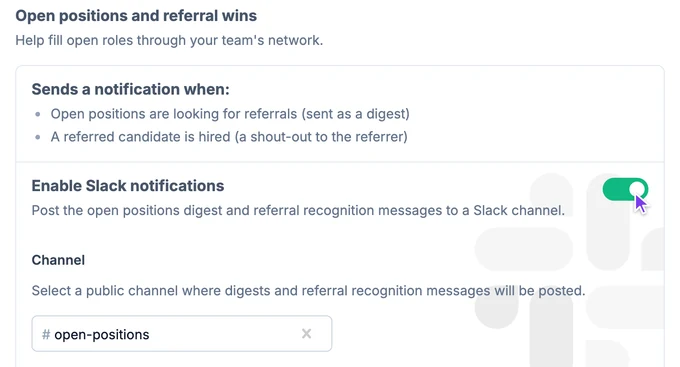
In the OrgaNice dashboard, open Settings › Org Chart and go to the Hiring tab.
Turn on Enable Slack notifications and choose the public channel for the open positions digest and referral shout-outs. You can also turn on Enable email notifications and add email addresses.
Post an open position
Open the position: click it on the org chart, or go to Org Chart › Referral Program in the left sidebar. To add a new one, click Add position.
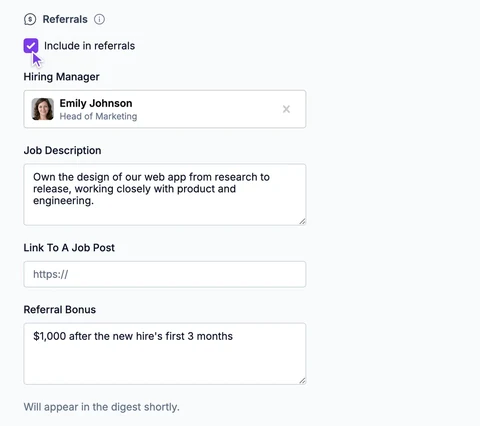
Make sure the position has a job title, then under Referrals check Include in referrals.
Fill in the Hiring Manager, Job Description, Link To A Job Post and Referral Bonus. A note under the fields tells you when the position will be posted.
When positions are posted
- Within 30 minutes, the position is posted to your hiring channel.
- Positions you add within 7 days of that post are added to the same digest.
- Positions added later go into the next weekly digest.
- The digest is posted every week until the positions are closed or removed.
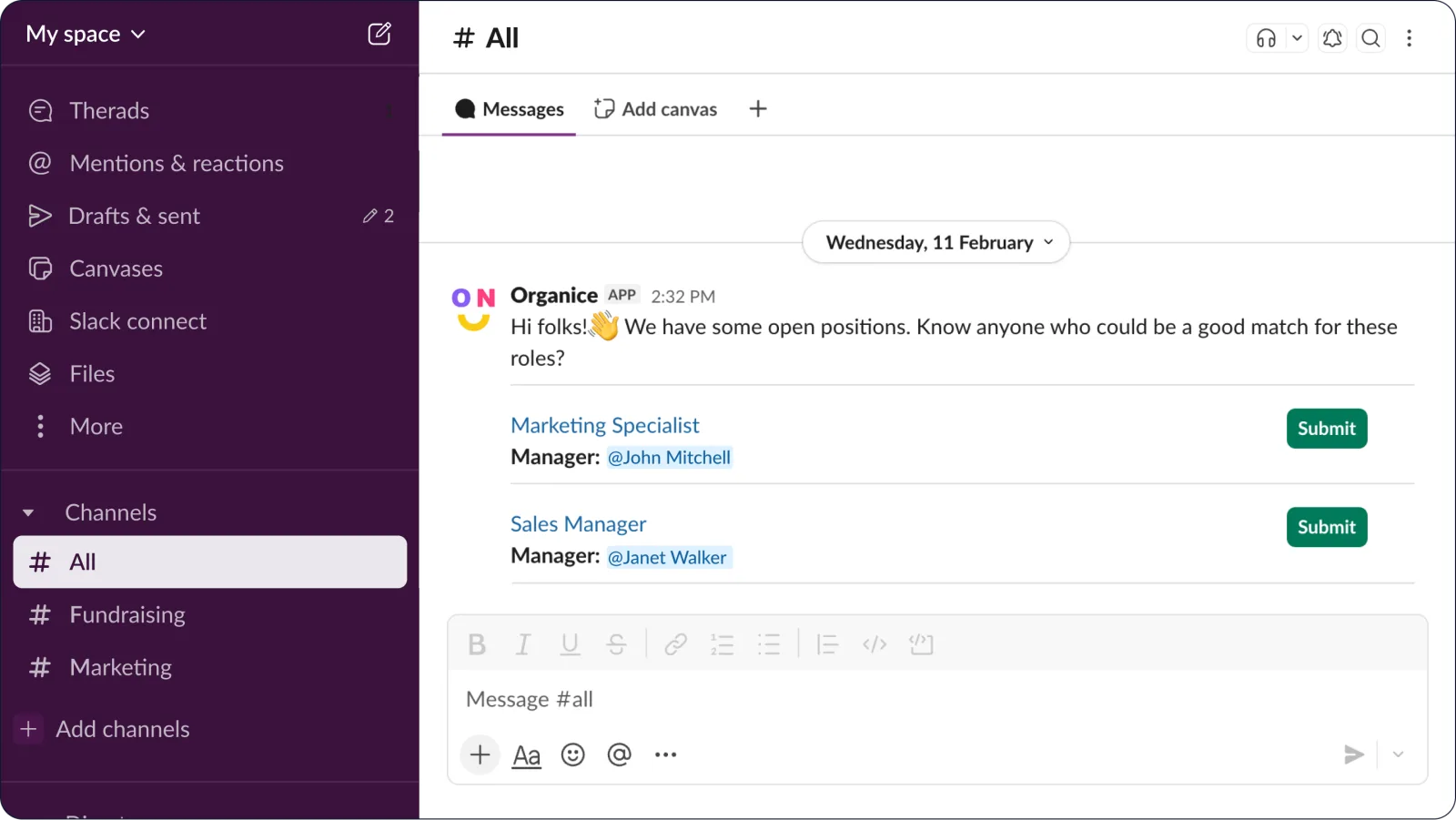
As referrals come in, the digest shows who referred candidates and how many referrals were approved.
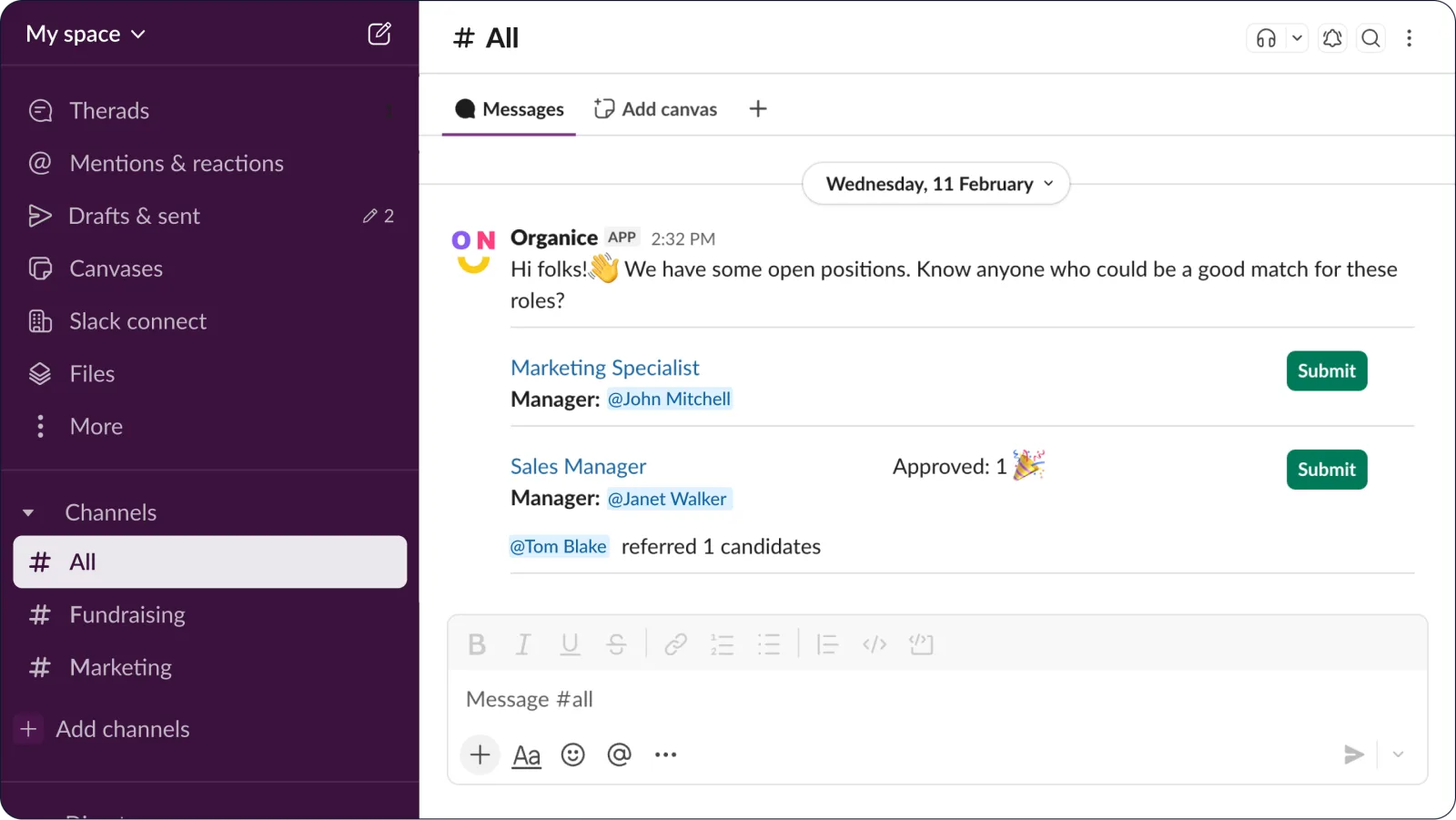
Submit and review a referral
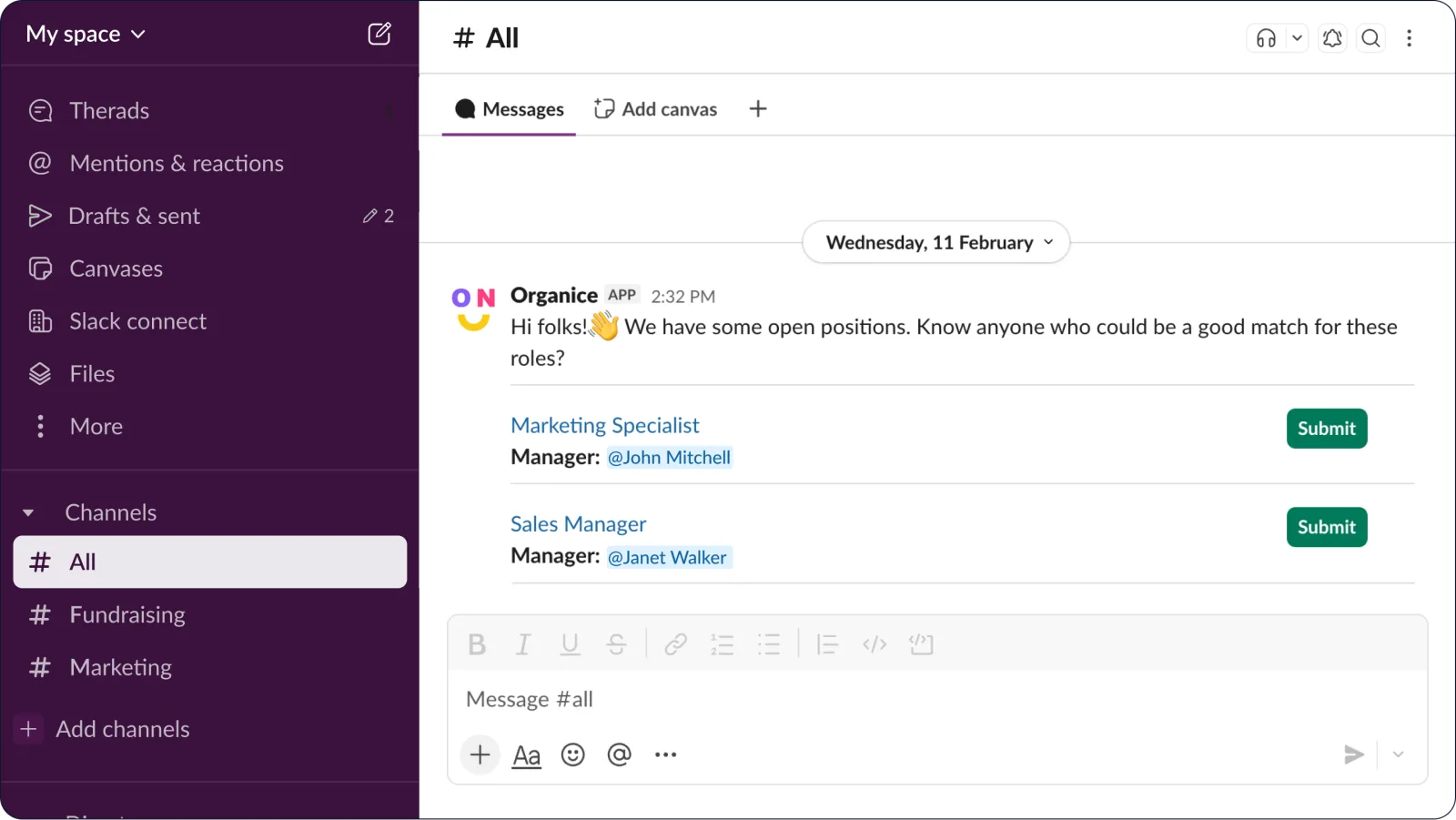
In the digest, anyone can click Submit next to a position.
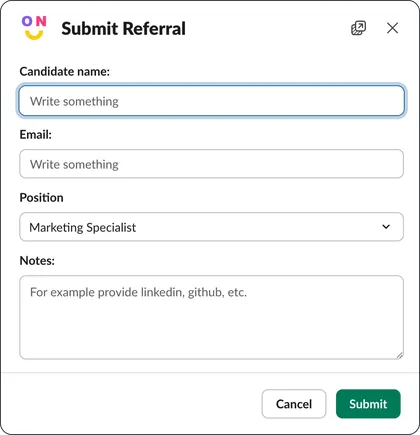
They fill in the referral form and send it.
OrgaNice sends the referral to the position's hiring manager in a direct message. If no hiring manager is set, it goes to the OrgaNice admins.
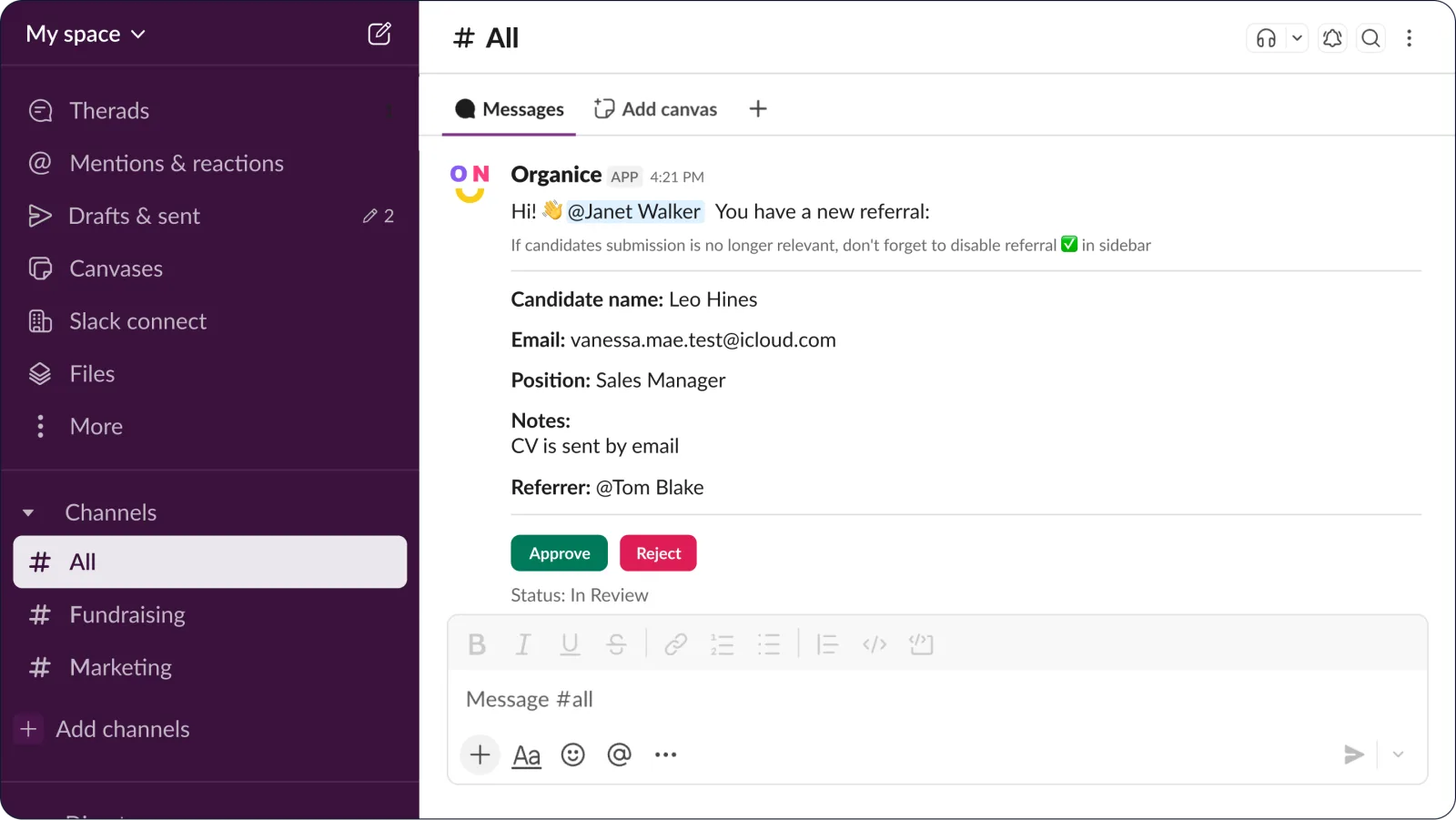
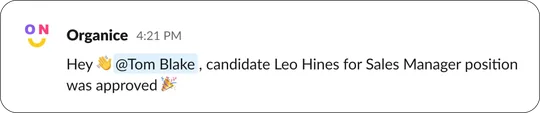
The hiring manager or admin approves or rejects it, and OrgaNice tells the person who referred the candidate.