

How to create an org chart with AI
For adminsUpdated Oct 30, 2026
Let AI build the first draft of your org chart from your Slack data in one click.
OrgaNice can build your first org chart for you. Instead of entering data by hand, the AI reads what it can access in Slack, such as your workspace directory, reporting lines and departments.
The AI option is available while your org chart is still nearly empty (fewer than 5 positions) and your workspace is connected to Slack.
Steps
Open Settings and go to Org Chart. Make sure the switch in the top-right corner is on: it turns on the Org Chart feature.

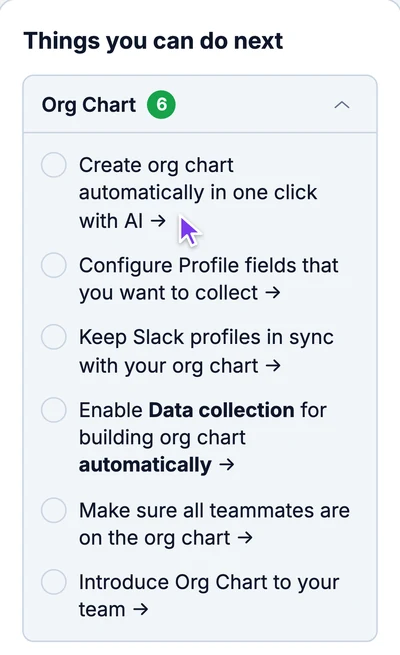
In Things you can do next on the right, click Create org chart automatically in one click with AI.
Result
OrgaNice builds the chart from your Slack data, which usually takes a few minutes. When it's ready, a message says so: click Got it to open the chart. Check it and fix anything that's wrong, like a missing manager.