

How to open the settings menu
For adminsUpdated Nov 1, 2026
Open the OrgaNice settings from Slack in two clicks.
Steps
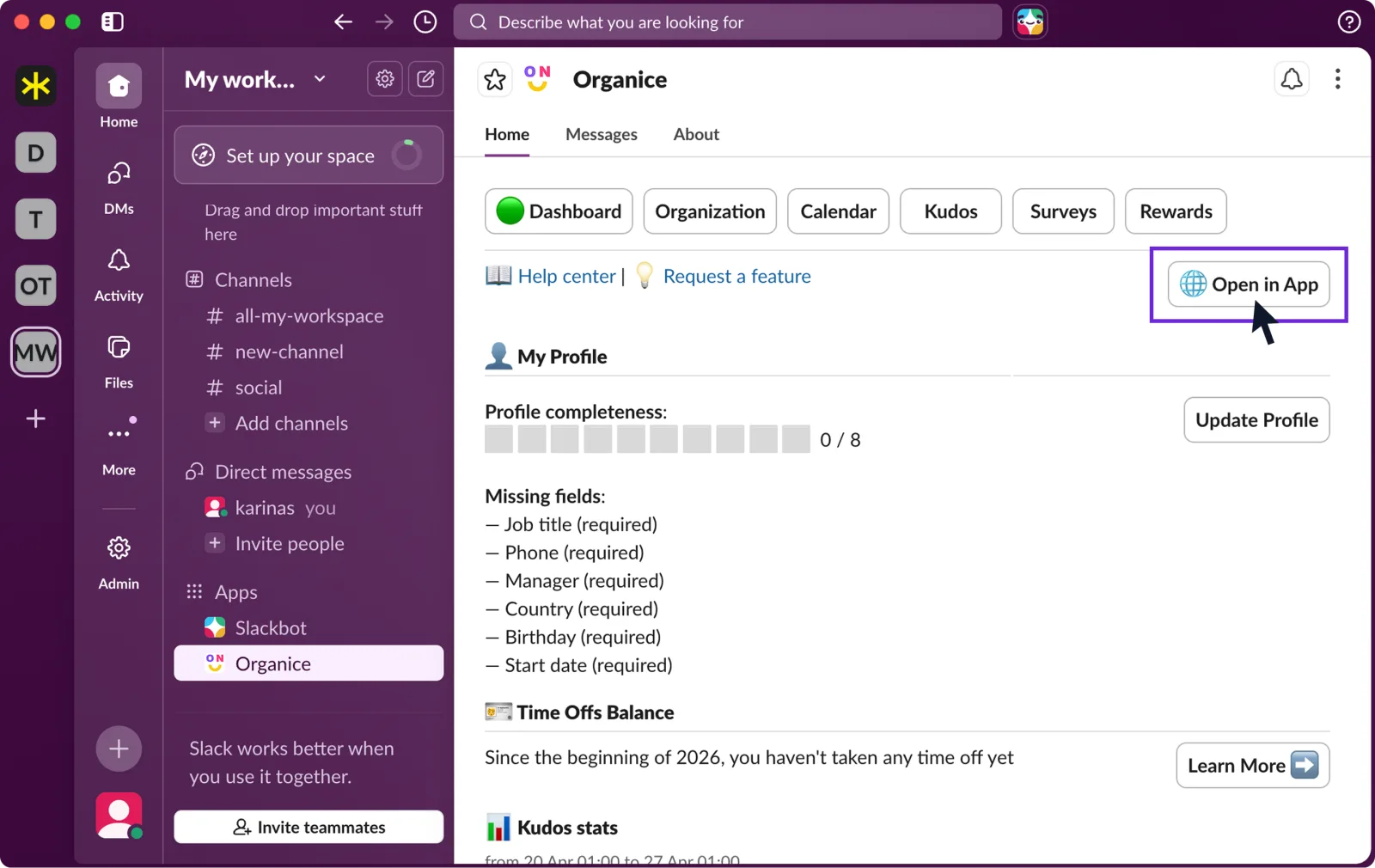
In Slack, open OrgaNice › Home tab › Dashboard and click Open in App.
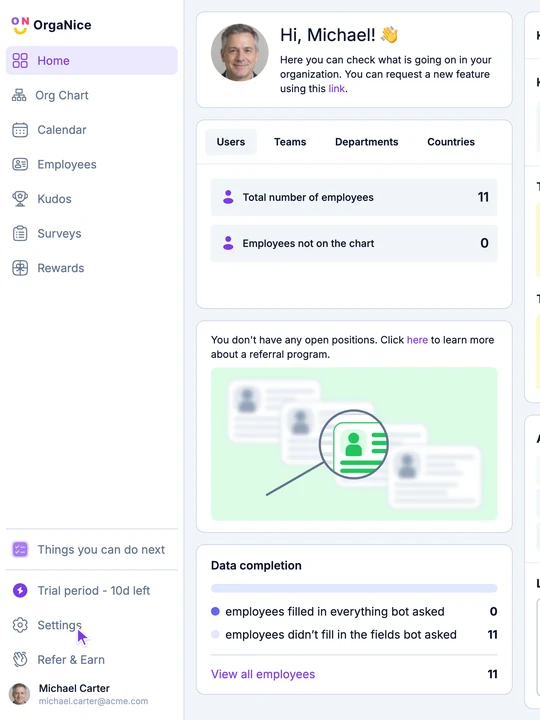
In the web app, click Settings at the bottom of the menu on the left.
Result
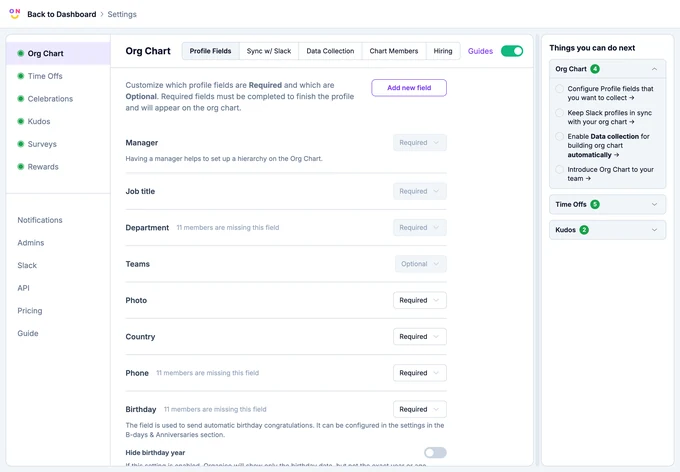
Settings open. On the left, there's a page for each feature (Org Chart, Time Offs, Celebrations, Kudos, Surveys, Rewards), then Notifications, Admins, Slack, API, Pricing and Guide. On the right, Things you can do next lists the setup steps left for each feature.
Only OrgaNice admins can open Settings. See how to assign admins.