

OrgaNice API
For adminsUpdated Nov 1, 2026
Create an API key to connect OrgaNice time off data to your other tools.
OrgaNice has a public API, so you can bring your time off data into other tools, like an HR system, a payroll spreadsheet or your own dashboards. API keys give read access to time off and time off types.
Only OrgaNice admins can create and revoke keys, and the API needs an active subscription.
Create an API key
Open Settings and select API.
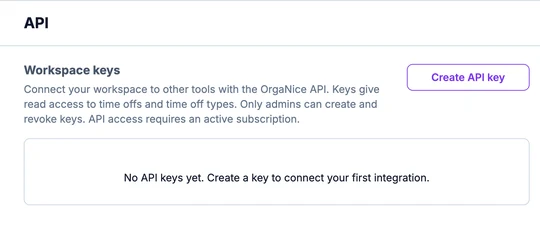
Click Create API key, enter a Key name, like the tool you're connecting, and choose an Expiration, or No expiration.
Copy the key and store it somewhere safe. You won't be able to see it again.
The key is listed under Workspace keys as Active. Your tool sends it with each request as Authorization: Bearer <your key>.
To stop a key from working, click Revoke key next to it. Integrations that use it lose access right away.
API documentation
The endpoints, parameters and examples are in the OrgaNice API documentation. You can also open it from API documentation at the top right of the API settings.