

How to sign in to OrgaNice
For everyoneUpdated Nov 1, 2026
Sign back in to OrgaNice from Slack, or to the web app with email or Slack.
If you've been signed out, you can get back in from Slack or from your browser.
Sign in from Slack
Open OrgaNice in Slack and click Sign In to Slack.

In the browser page that opens, select your workspace.
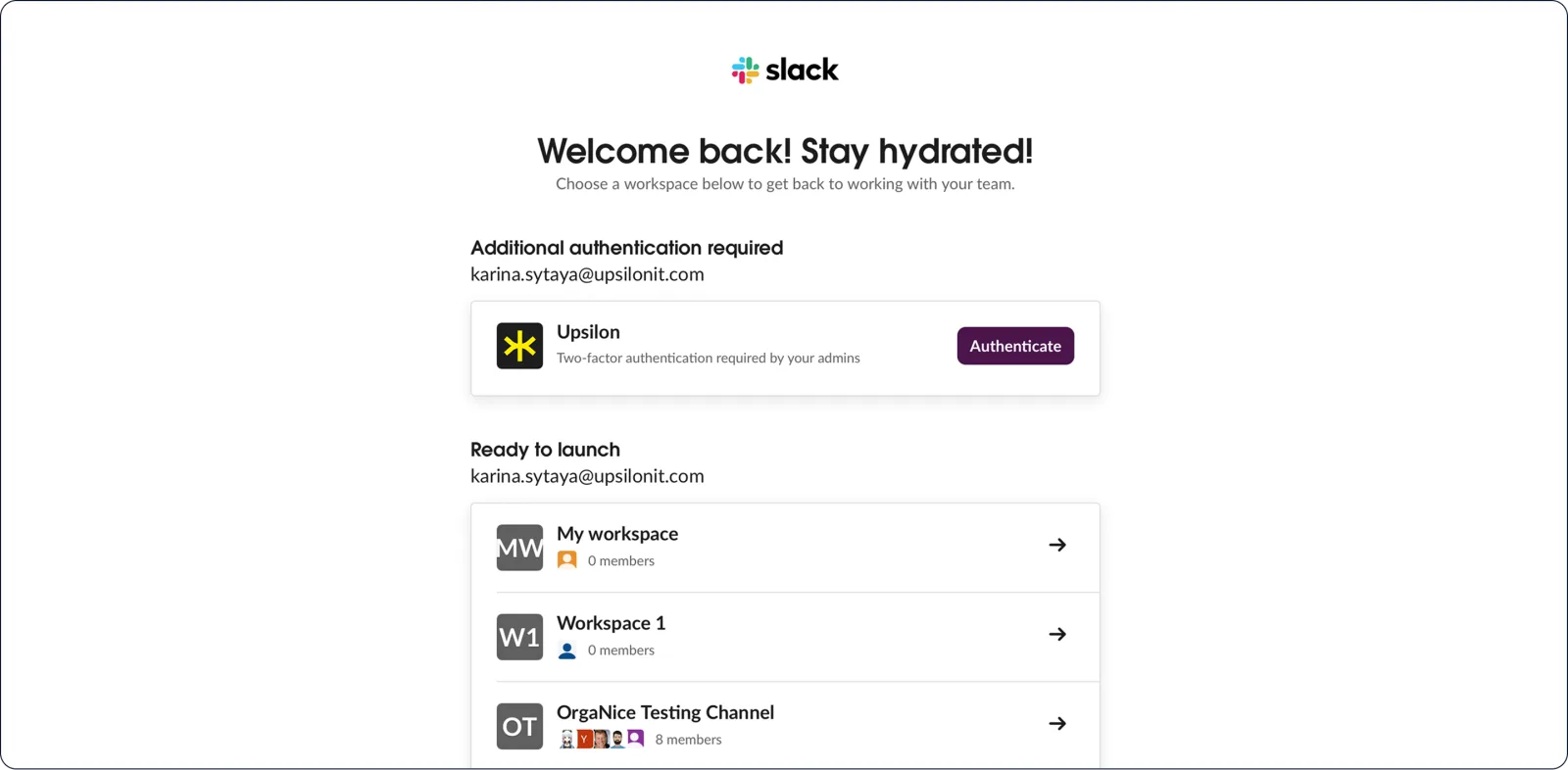
Click Open to go back to Slack.
Sign in to the web app
In Slack, open OrgaNice › Home tab › Dashboard and click Open in App. Or go straight to the OrgaNice sign-in page.
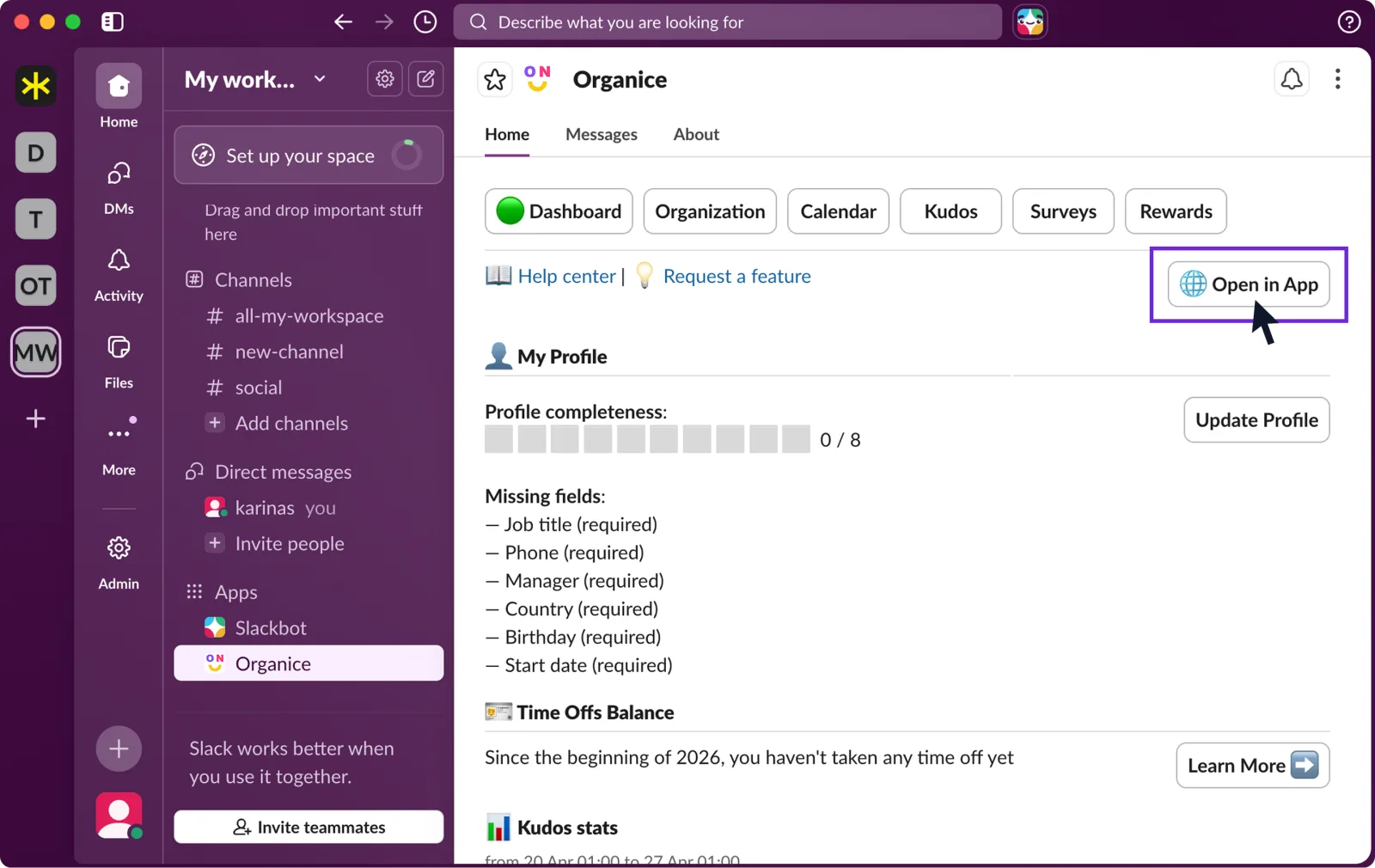
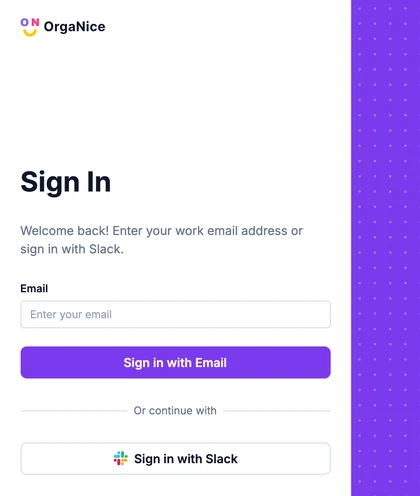
Choose how to sign in:
- With email: enter your work email address and click Sign in with Email. Open the email from OrgaNice and click Sign in to OrgaNice. The link works once and expires in 24 hours.
- With Slack: click Sign in with Slack and confirm in Slack. If you're in more than one workspace with OrgaNice, select the workspace.
Result
You're signed in to OrgaNice.