

How to introduce features to your team
For adminsUpdated Nov 1, 2026
Announce the org chart, time off, birthdays and anniversaries, and kudos in a Slack channel of your choice.
When a feature is ready, post an announcement so your team knows it's there and how to use it. OrgaNice has a ready-made message for the org chart, time off, birthdays and work anniversaries and kudos.
Post an announcement
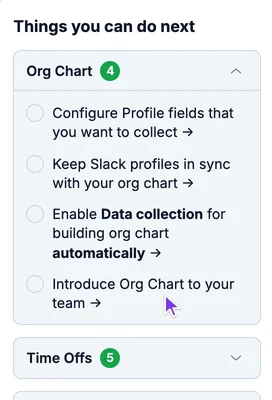
Open Settings. In Things you can do next on the right, open the feature and click Introduce … to your team, for example Introduce Org Chart to your team.
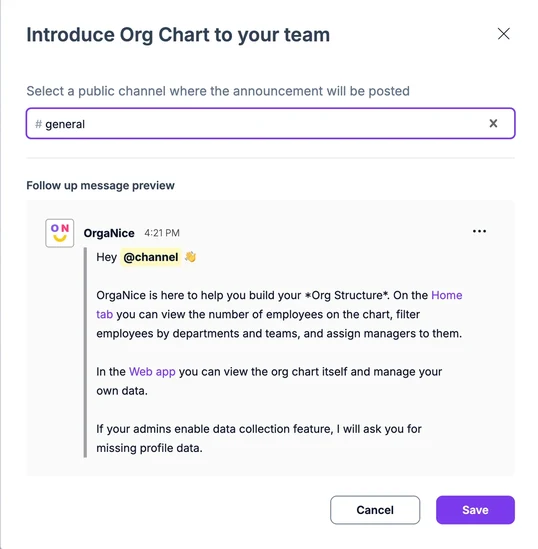
Choose the public channel to post in, like #general.
Check the Follow up message preview. To change the text, click the three dots on the preview and choose Edit.
Click Save.
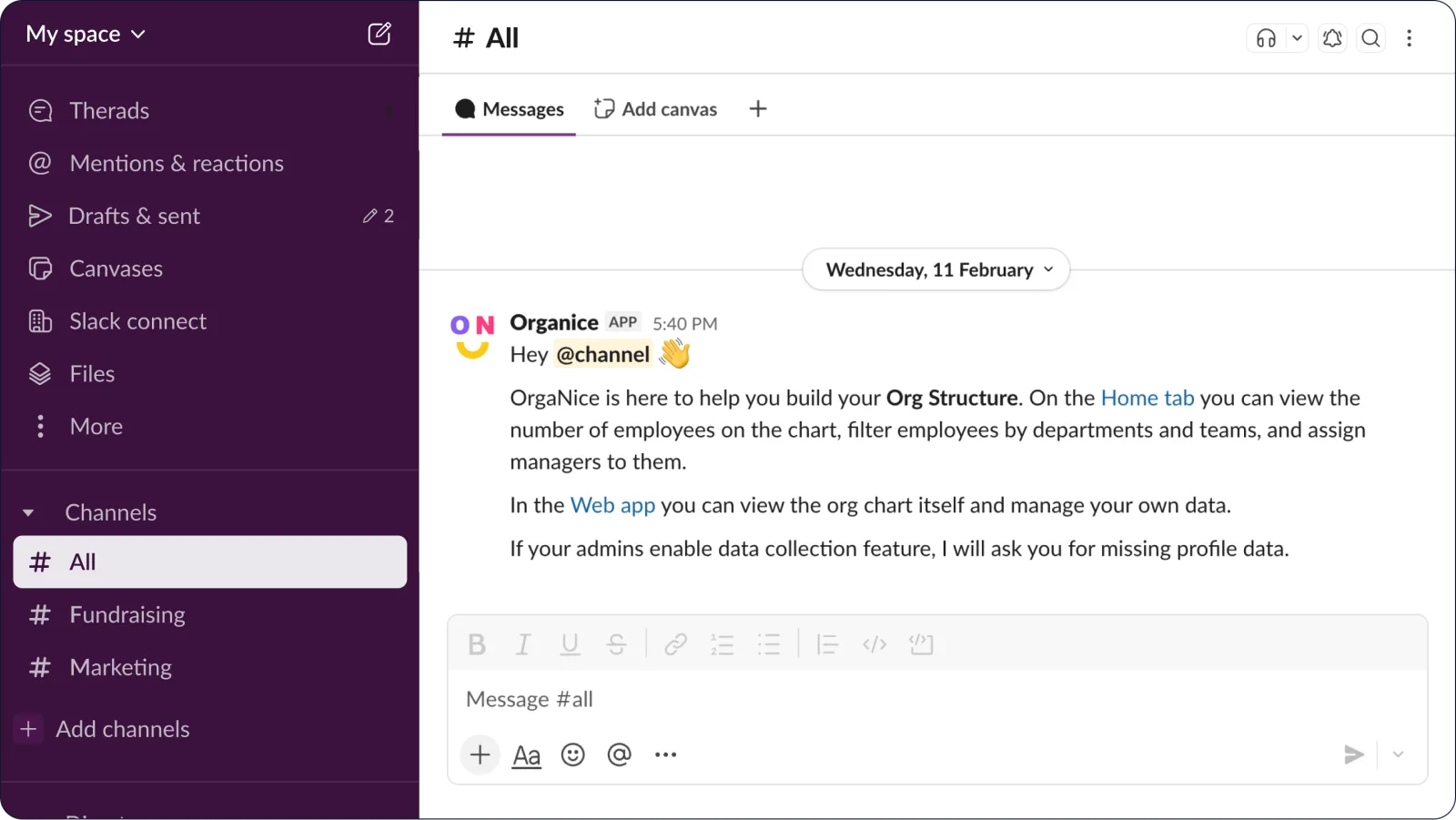
The announcement appears in the channel, and the step is checked off in Things you can do next.
What each announcement says
- Org chart: where to see the org chart in Slack and in the web app, and that OrgaNice may ask people for missing profile details.
- Time off: how to request time off from any chat and where to see requests and the team calendar.
- Birthdays and work anniversaries: that OrgaNice will post celebrations, and where to see upcoming ones.
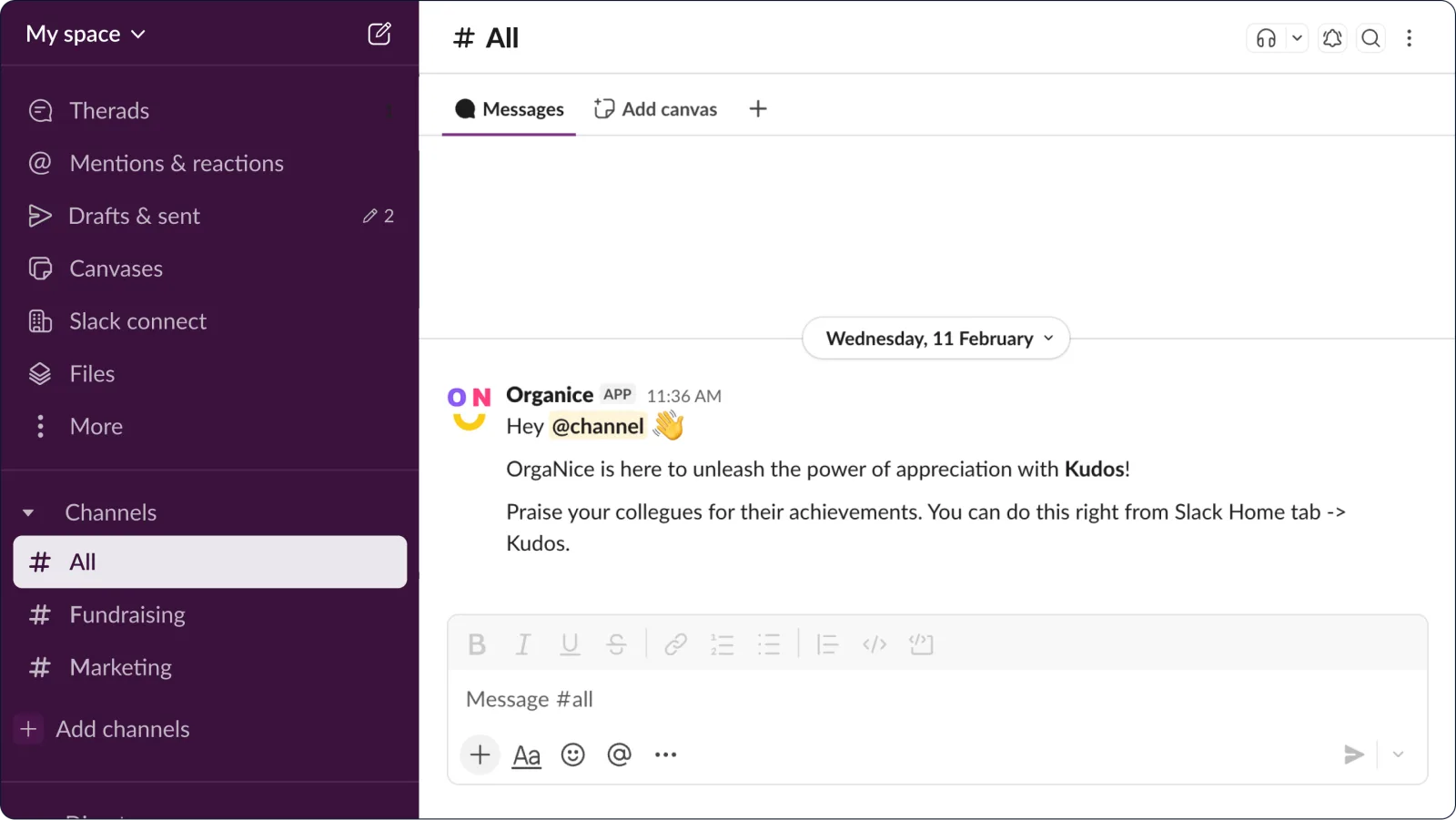
- Kudos: how to thank colleagues from the OrgaNice Home tab.
The Introduce step for a feature shows in Things you can do next while that feature is turned on and hasn't been announced yet.