

How to assign and remove admins
For adminsUpdated Nov 1, 2026
Give people admin rights in OrgaNice, or take them away, from the Admins settings.
OrgaNice admins can edit everyone's profiles and change settings. See roles and permissions for everything they can do.
Steps
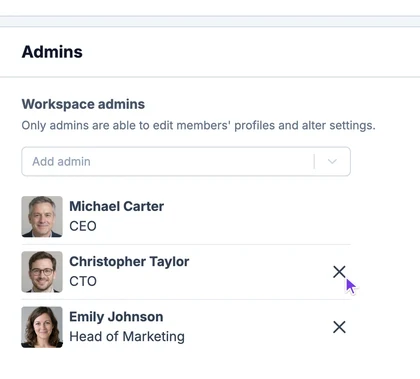
Open Settings and select Admins. You see everyone who is an admin now.
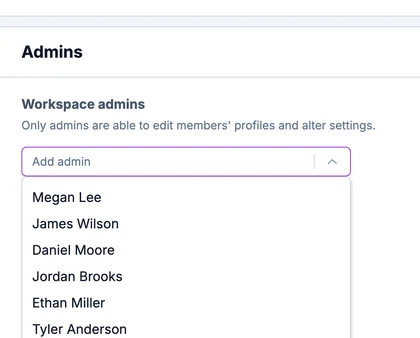
To add admins, open Add admin and select one or more people.
To remove an admin, click the X next to their name.
Result
The people you added can now edit profiles and change settings. Next, set up the OrgaNice features for your workspace.